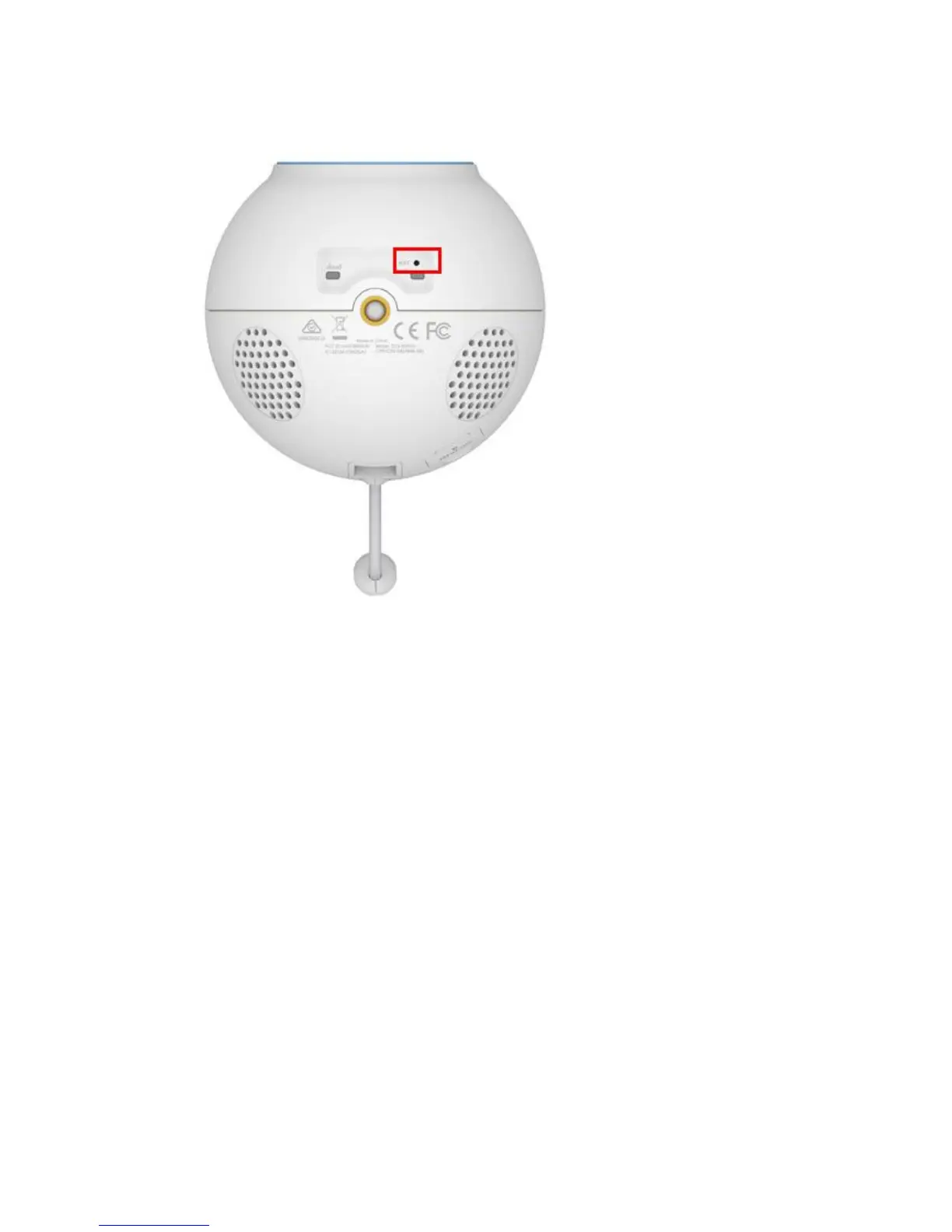
Step 2: Hold the button down for 10 seconds and release.
Note: Do not unplug the power adapter during this procedure.
Step 3: The unit will then reboot. Once the power light stops blinking, the unit is reset and all
settings are restored to their defaults.
4. How do I configure motion detection on my mydlink Baby Camera using
the mydlink service?
Use this process if your mydlink Baby Camera is already registered with your mydlink
account.
Step 1: Open your web browser and enter http://www.mydlink.com/




 To Next Page