2D-Link DCS-8330LH User Manual
Section 1 - Product Overview
Introduction
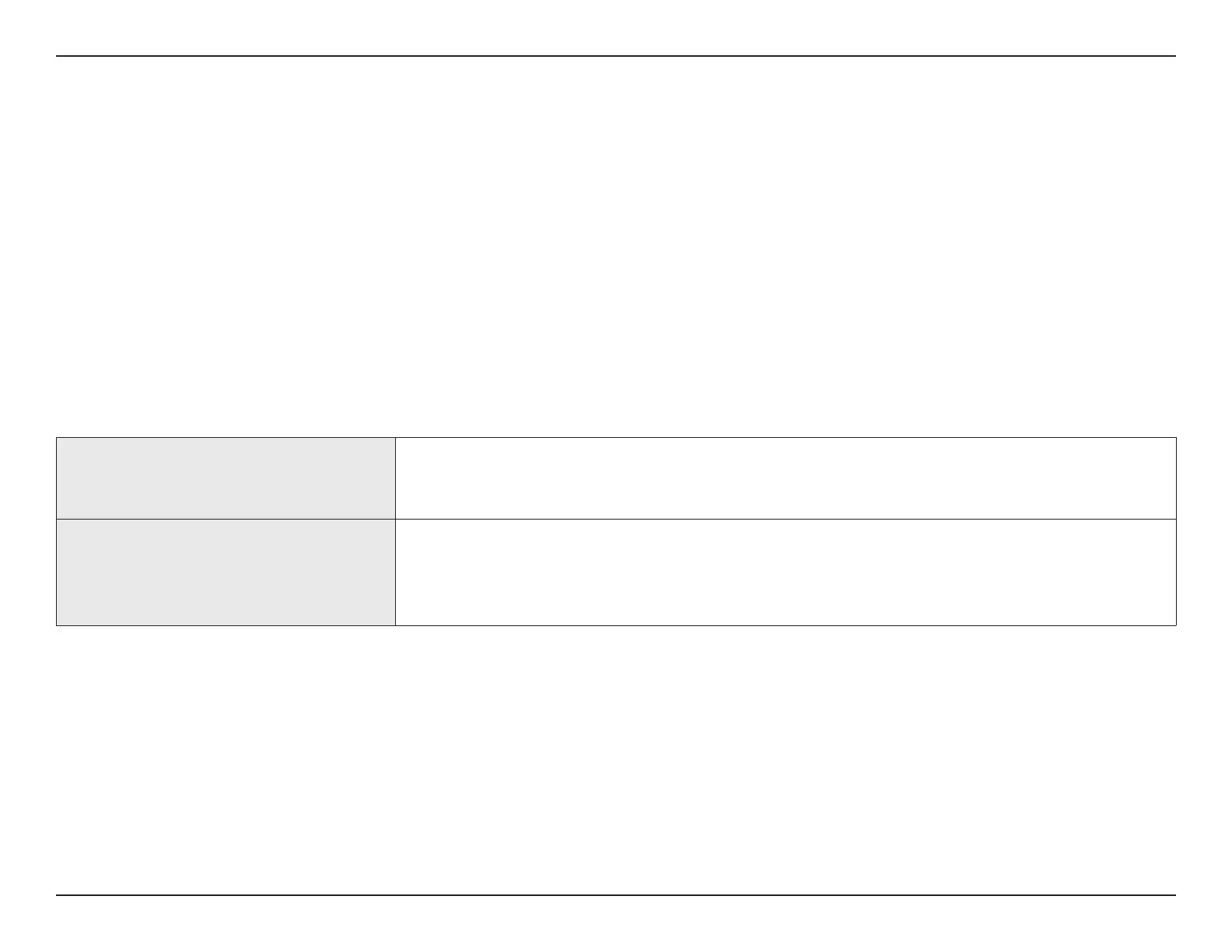
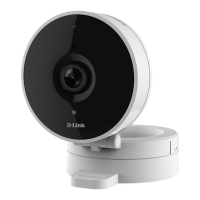
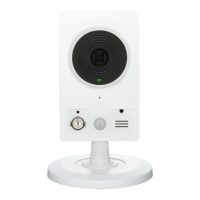
The mydlink Smart DIY DCS-8330LH Smart Full HD Wi-Fi Camera boasts a wide-angle lens that easily captures your entire
room in high-quality 1080p. The AI-Based Intelligent Video Analysis (IVA) software allows you to specify exactly what types
of motion you want to be notied about. It also doubles as your smart home hub, so you can add compatible mydlink smart
home sensors for a full-featured smart home experience. There is no need to lift a nger to view your camera feed as you
can simply ask Alexa or your Google Assistant. The app also features rich notications that shows a screenshot of detected
motion and allows you to set two designated contacts to call with a quick tap of the button when tapping the notication
as well as a go to the live view. Have a clear view of what is happening in the dark with the camera’s built-in night vision. The
rotatable head and stand allows for better viewing angles even when placed on top of surfaces. All-in-all, this camera will
give you peace of mind and ease of use.
System Requirements
Network Requirements
• 802.11n/g wireless network
• An Internet connection
• A router connected to your broadband modem
mydlink™ App Requirements
• iPhone, iPad, Android smartphone or tablet (please refer to the mobile
app's store page to check whether your device is compatible)
• Email account (for mydlink™ service registration)


 To Next Page