DES-3028 DES-3028P DES-3052 DES-3052P Layer 2 Fast Ethernet Managed Switch
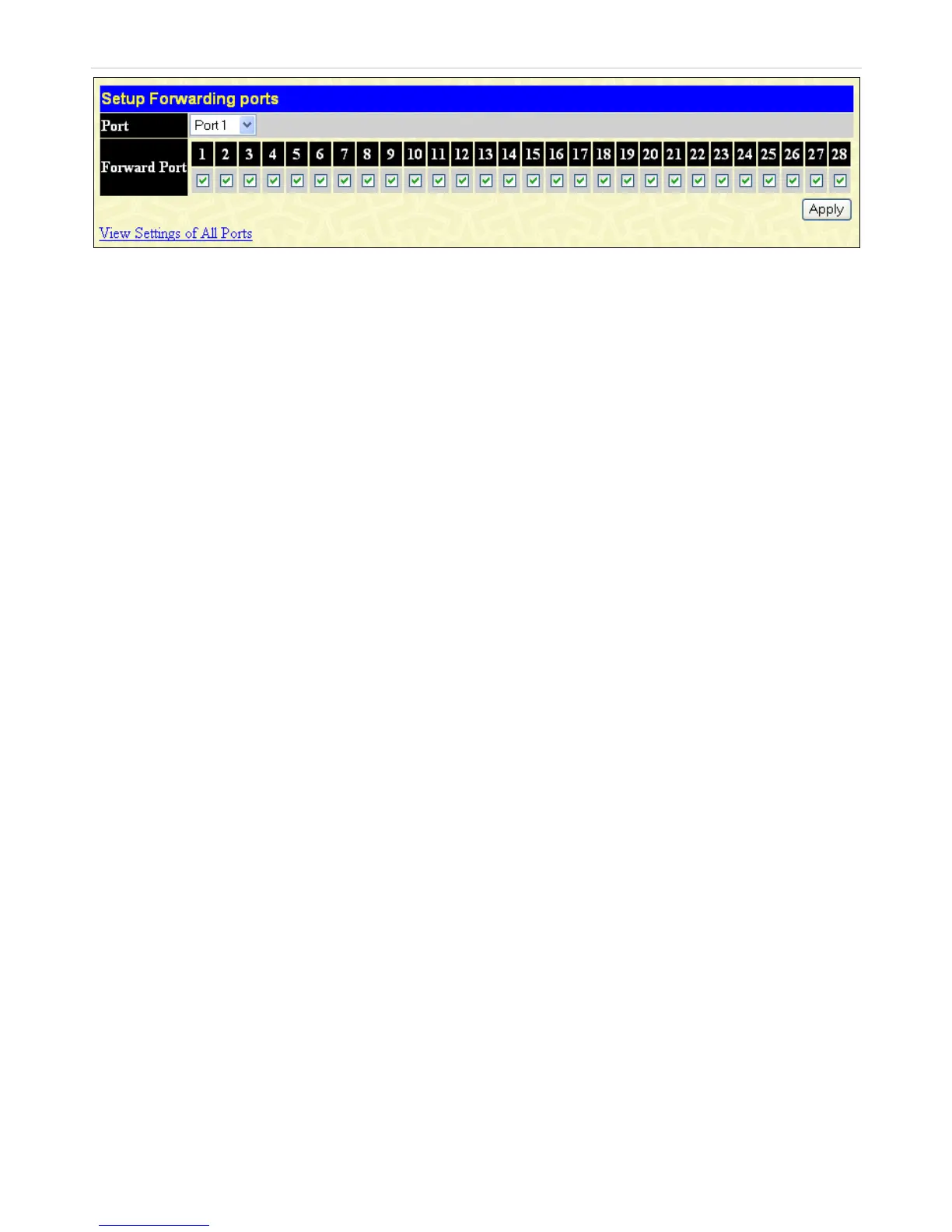
Figure 10- 46. Setup Forwarding ports window
This window allows the user to determine which port on a given switch will be allowed to forward packets to other ports on that
switch.
To configure traffic segmentation specify a port from that switch, using the Port pull-down menu. Click Apply to enter the
settings into the Switch’s Traffic Segmentation table.
173













 To Next Page