DES-3028 DES-3028P DES-3052 DES-3052P Layer 2 Fast Ethernet Managed Switch
Port Description
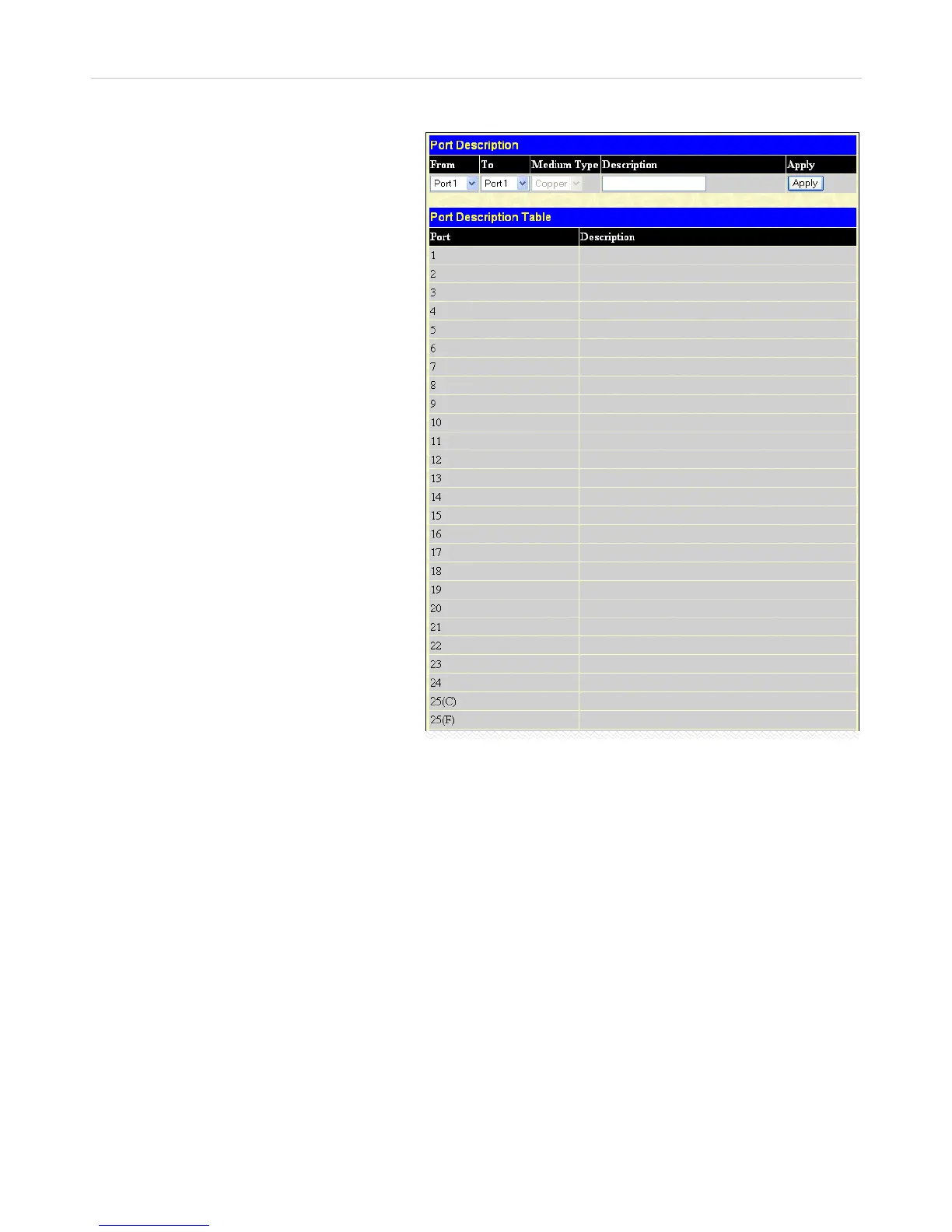
The Switch supports a port description feature where
the user may name various ports on the Switch. To
assign names to various ports, click Administration >
Port Configuration > Port Description to view the
following window:
Use the From and To pull-down menu to choose a por
or range of ports to describe, and then enter
description of the port(s). Click Apply to set the
descriptions in the Port Description Table.
The Medium Type applies only to the Combo ports. I
configuring the Combo ports this defines the type o
tranport medium used. SFP ports should be nominate
and the Combo 1000BASE-T ports should be
nominated Copper. The result will be displayed in the
appropriate switch port number slot (C for copper ports
and F for fiber ports).
Figure 6- 5. Port Description window
29













 To Next Page