3 D-Link DHP-300 Quick Install Guide
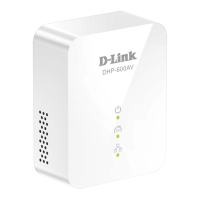
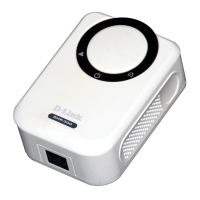
Hardware Overview
Hardware Overview
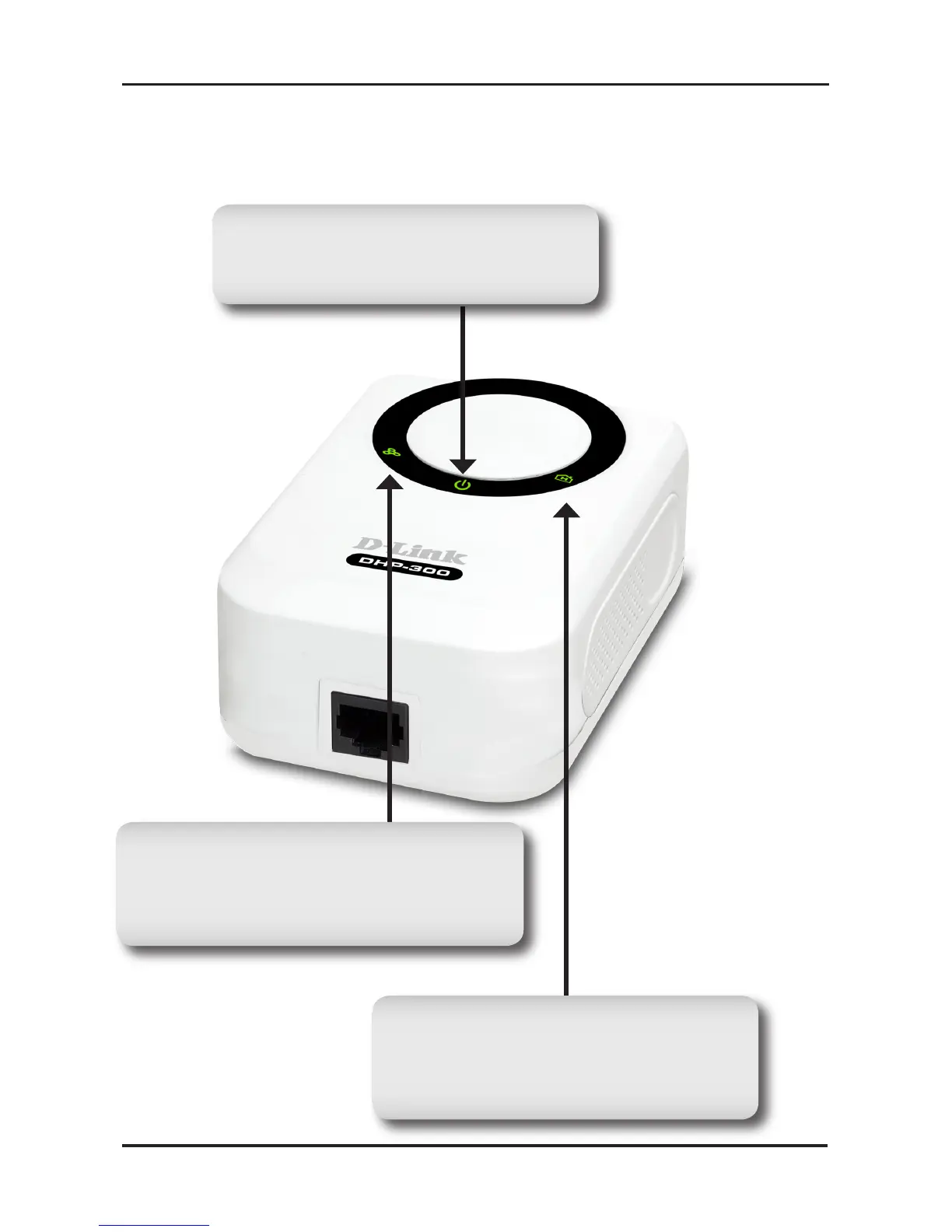
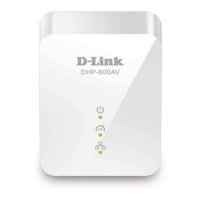
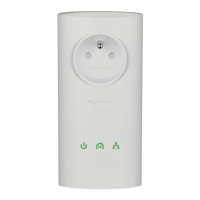
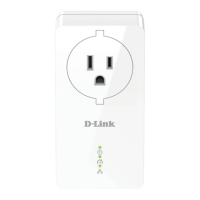
Power LED
A solid light indicates that the
device is receiving power.
Powerline LED
A solid light indicates that the device
has detected another Powerline
device on the network.
Ethernet LED
A solid light indicates a connection
on the Ethernet port. The LED blinks
during data transmission.




 To Next Page