12D-Link DHP-308AV/DHP-309AV User Manual
Section 2 - Installation
Powerline Installation Considerations
Plan the location of your Powerline devices:
1. Connect Powerline devices to electrical outlets that are not controlled by a wall
switch to avoid accidentally turning o power to the device.
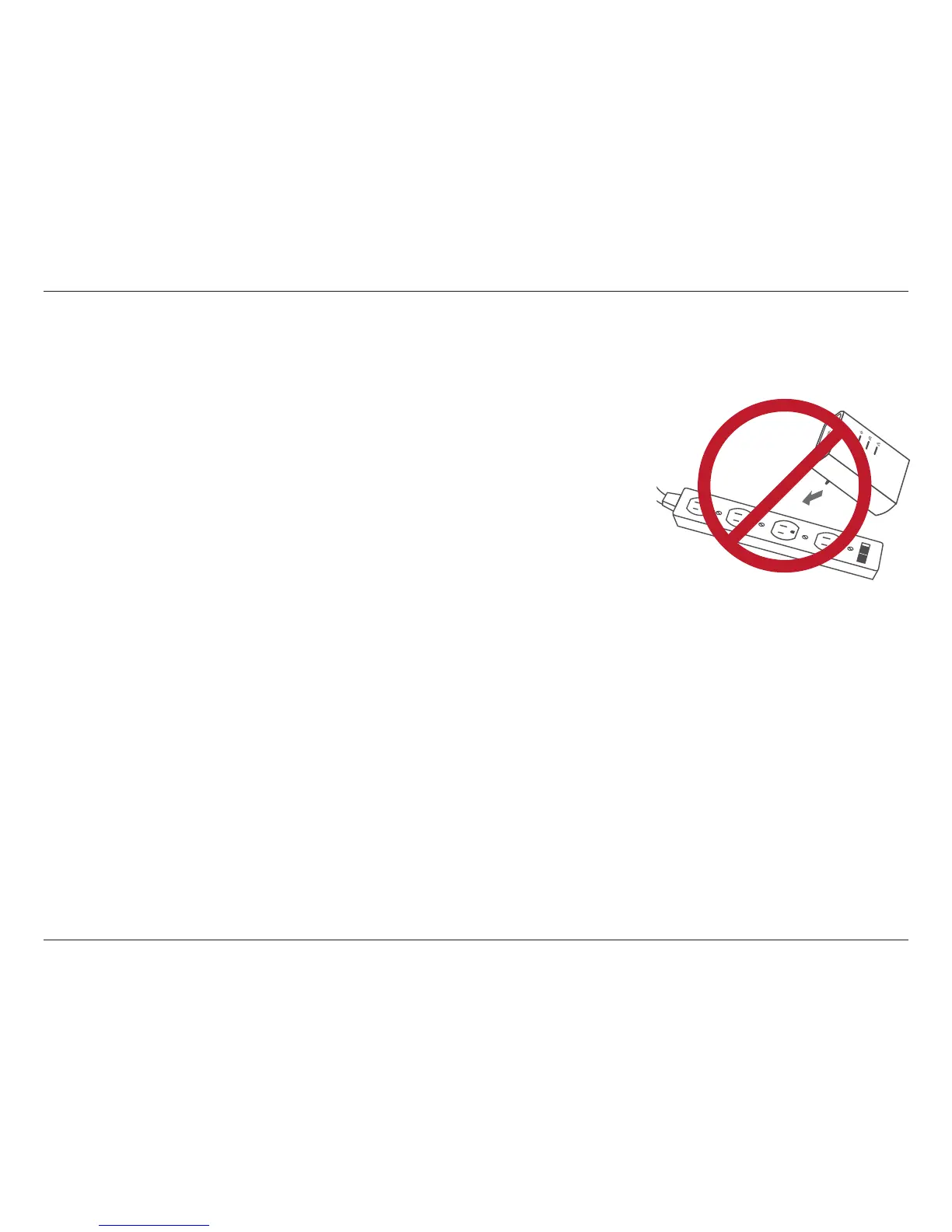
2. Do not connect the Powerline devices to an extension cord, surge protector, or
power strip as this might prevent it from working correctly, or reduce the network
performance.
3. Avoid using the Powerline devices in an electrical outlet that is located near an
appliance that uses a lot of power, such as a washer or dryer, or a refrigerator. This
may prevent the adapter from working correctly, or negatively impact network
performance.
4. Verify that your Powerline devices are electrically rated to operate with the power available in your location.
5. To help prevent against electrical shock, be sure to plug the power cables into properly grounded electrical outlets.
6. The Powerline device is equipped with a three-pronged plug to help ensure proper grounding. Do not use adapter plugs
or remove the grounding prong from the cable.



 To Next Page