7D-Link DHP-348AV User Manual
Section 1 - Product Overview
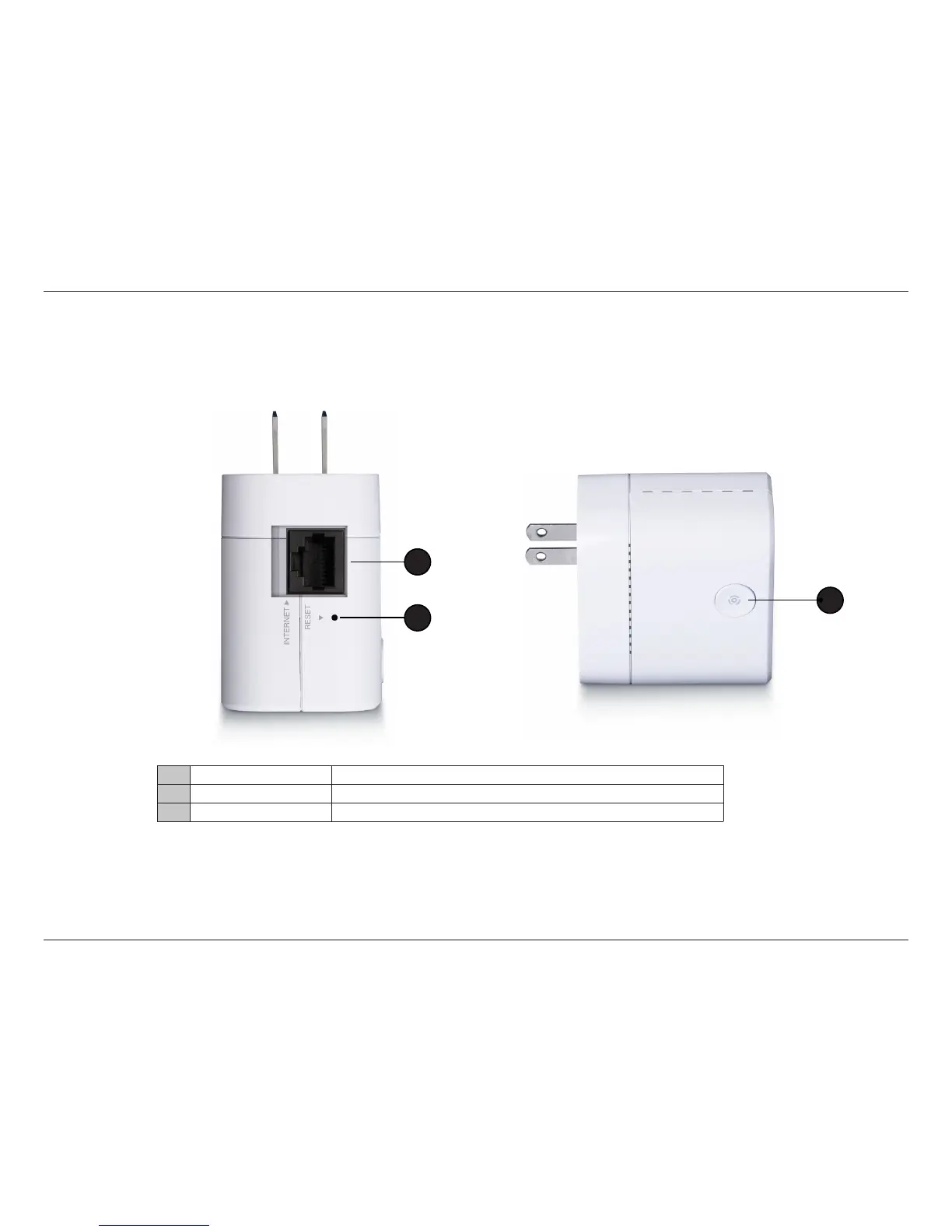
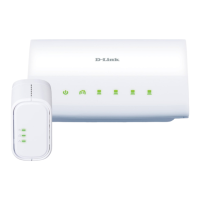
DHP-310AV Hardware Overview
Connection
1 Ethernet Port Connect the CAT5 Ethernet cable to the DHP-310AV Ethernet port.
2 Reset Button Press and hold the button for 1 second to reset to factory default.
3 Simple Connect Button Press to secure your network. Refer to page 11 for more information.
2
1
3


 To Next Page