2
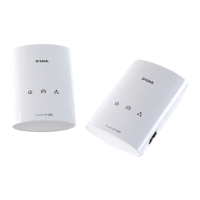
Plug in the other DHP-600AV adapter in the room that you
want to extend your network. The Power LED will turn on.
You can now connect a device such as a computer, game
console, printer, or Smart TV using an Ethernet cable to the
DHP-600AV adapter. Verify that the Ethernet LED is lit.
3
Verify that the PowerLine LEDs on both adapters are lit. If they
are, the adapters are connected. If not, try another outlet.
DHP-600AV
DHP-600AV
DHP-600AV
5



 To Next Page
 Loading...