7D-Link DHP-P308AV/DHP-P309AV User Manual
Section 1 - Product Overview
Hardware Overview
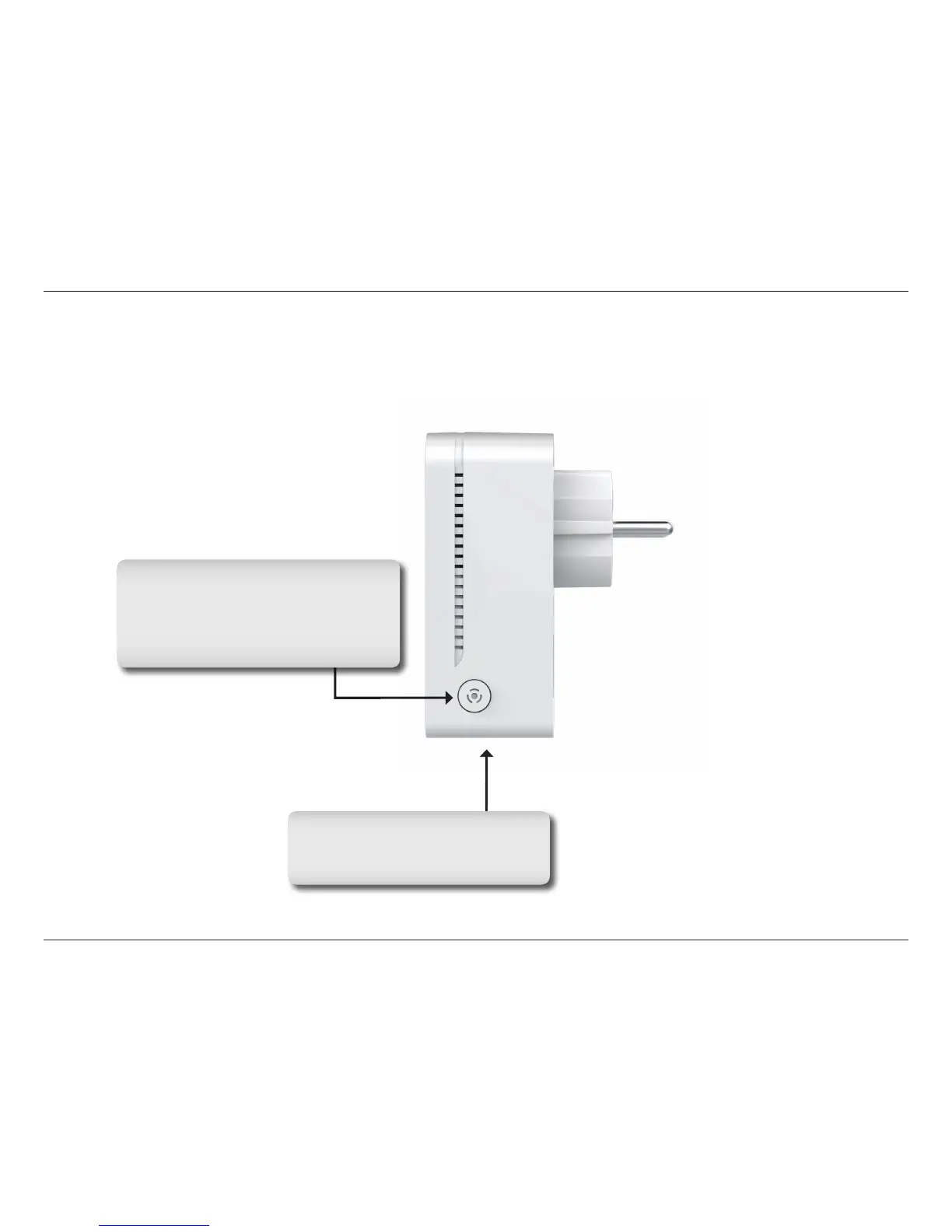
Connection
Ethernet Port
Connect Ethernet cable to your PC
or Ethernet device.
Simple Connect Button
Press to secure your network or reset
your device back to the factory
default settings. Refer to page 9 for
more information.



 To Next Page