11D-Link DIR-1950 User Manual
Section 2 - Installation
Hardware Setup
Step 1
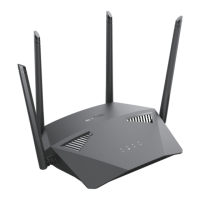
Position your DIR-1950 near your Internet-connected modem. Place it in an
open area for better wireless coverage.
Modem
4 3 2 1 INTERNET
RESET
WPS
POWER
12V...1.5A
- • +
4 3 2 1 INTERNET
RESET
WPS
POWER
12V...1.5A
- • +
Step 2
Use the Ethernet cable to connect your modem to the port labelled
INTERNET on the router.
Modem
4 3 2 1 INTERNET
RESET
WPS
POWER
12V...1.5A
- • +
Step 3
Connect the supplied power adapter to the router and a power outlet,
press the power button, and wait approximately one minute until the
LED indicator on the front of the device changes. Refer to the devices
LED behaviour in the hardware overview section of this manual for more
information.
Modem










 To Next Page
