42D-Link DIR-605L User Manual
Section 3 - Conguration
Log Settings
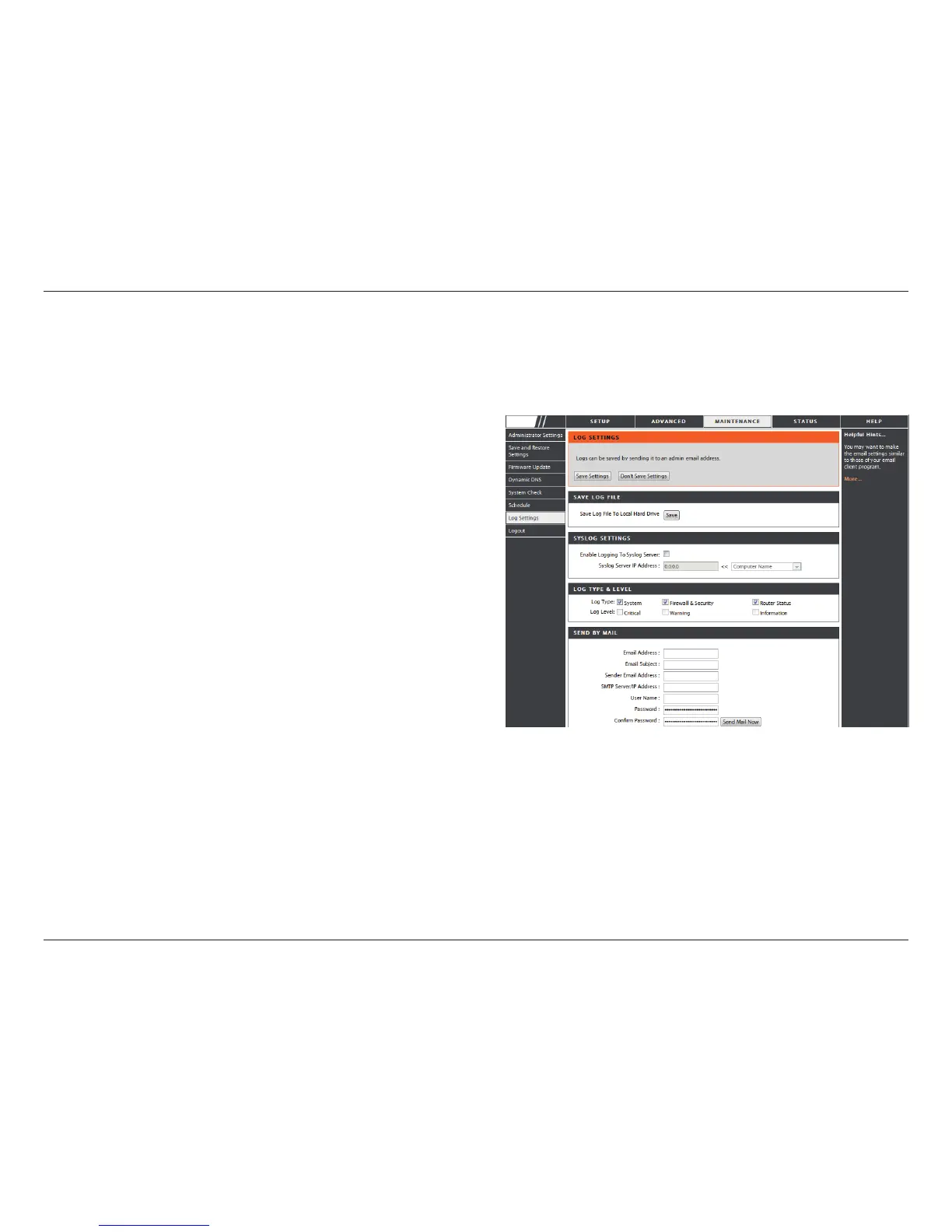
Click on the Save button link on this window to save
the log le to your local hard drive.
click the checkbox to save the log in the log server in
the LAN side.
Click the checkbox(es) of the type of log information
requested: “System, Firewall & Security, Router
Status, Critical, Warning and Information”
Enter the your SNTP server name(or IP address) and
enter your mail address before sending your system
log by mail.
Save Log File:
Syslog Server:
Log Type & Level:
Send by Mail:
The system log displays chronological event log data specied by the router user. You may also save a simple text le containing
the log to your computer. Click the Save button and follow the prompts to save the le.
DIR-605L















 To Next Page