70D-Link DIR-605L User Manual
Section 9 - Setting Up a Connection Wirelessly
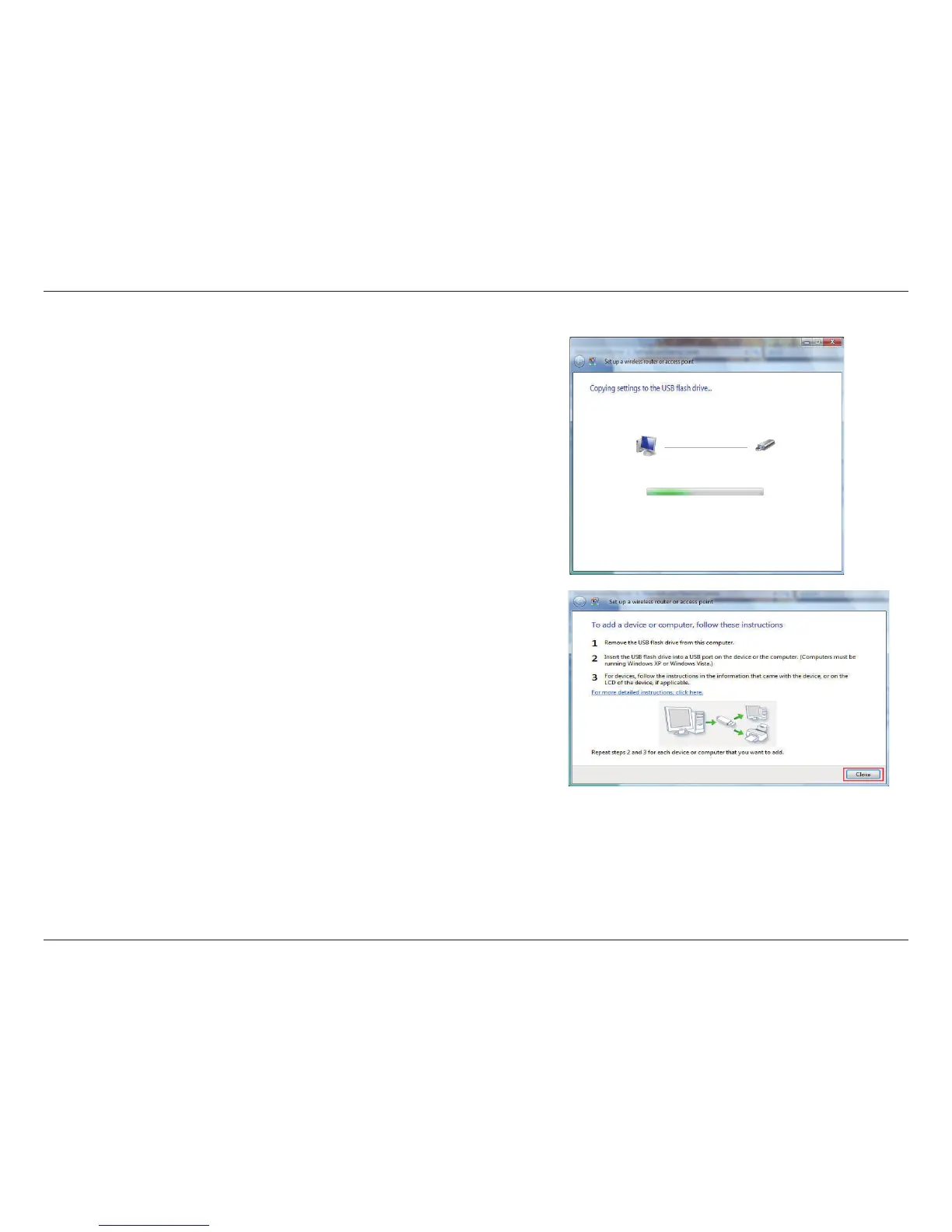
12.Once you have saved your network settings to USB, the
Copying settings to the USB drive window in the Set up a
wireless router or access point wizard opens to indicate the
system progress.
13.Once you are nished, the To add a device or computer, follow these
instructions window in the Set up a wireless router or access point
wizard opens. When you are nished, click the Close button.















 To Next Page