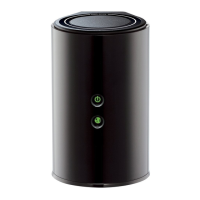
44D-Link DIR-850L User Manual
Section 4 - Security
From the Setup > Wireless Settings screen, click Add Wireless
Device with WPS.
Add Wireless Device with WPS Wizard
If you select Manual, a settings summary screen will appear. Write
down the security key and enter this on your wireless clients. Click
Wireless Status to nish. This will take you to the Wireless Status
screen.
Select Auto to add a wireless client using WPS (Wi-Fi Protected
Setup) and then click Next. Skip to the next page.





 To Next Page