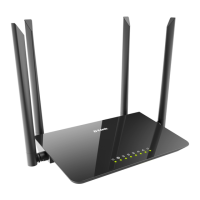
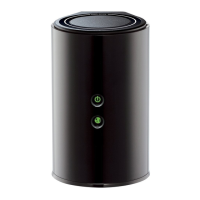
16D-Link DIR-862L User Manual
Section 3 - Conguration
Select your time zone from the drop-down menu and click Next to
continue.
The Setup Complete window will display your Wi-Fi settings. Click Save
and Connect to continue.
If you want to create a bookmark to the router, click OK. Click Cancel if
you do not want to create a bookmark.
If you clicked Yes, a window may appear (depending on what web
browser you are using) to create a bookmark.



 To Next Page