30D-Link DIR-600 User Manual
Section 3 - Conguration
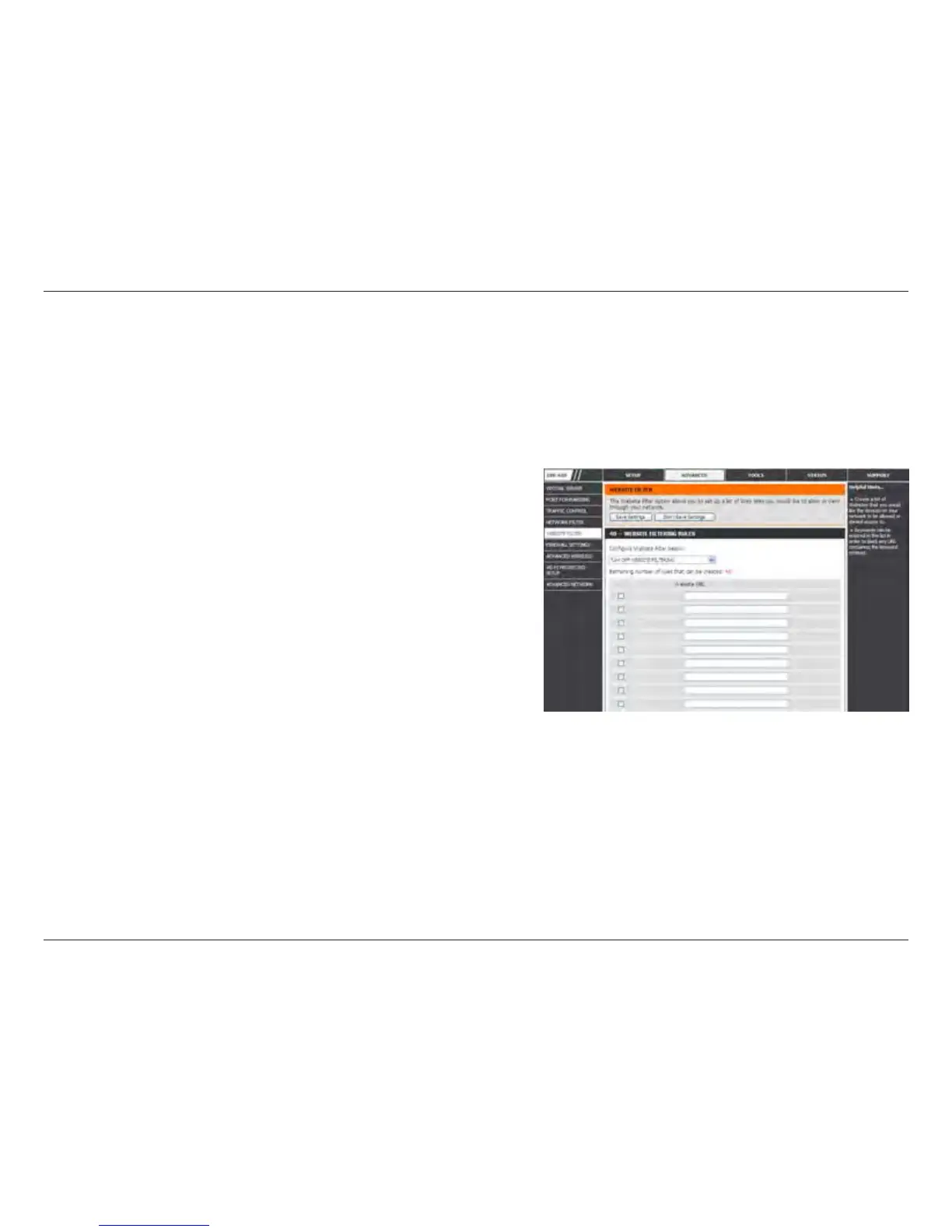
Select Deny or Allow computers access to only these sites.
Click to delete all entries in the list.
Enter the keywords or URLs that you want to allow or deny.
Congure Website
Filter Below:
Clear the list
below:
Website URL/
Domain:
Website Filters
Website Filters are used to allow you to set up a list of allowed Web sites that can be used by multiple users through
the network. To use this feature select to Allow or Deny, enter the domain or website and click Add, and then click
Save Settings. You must also select Apply Web Filter under the Access Control section (page 40).



 To Next Page