4D-Link DSL-2640B Quick Install Guide
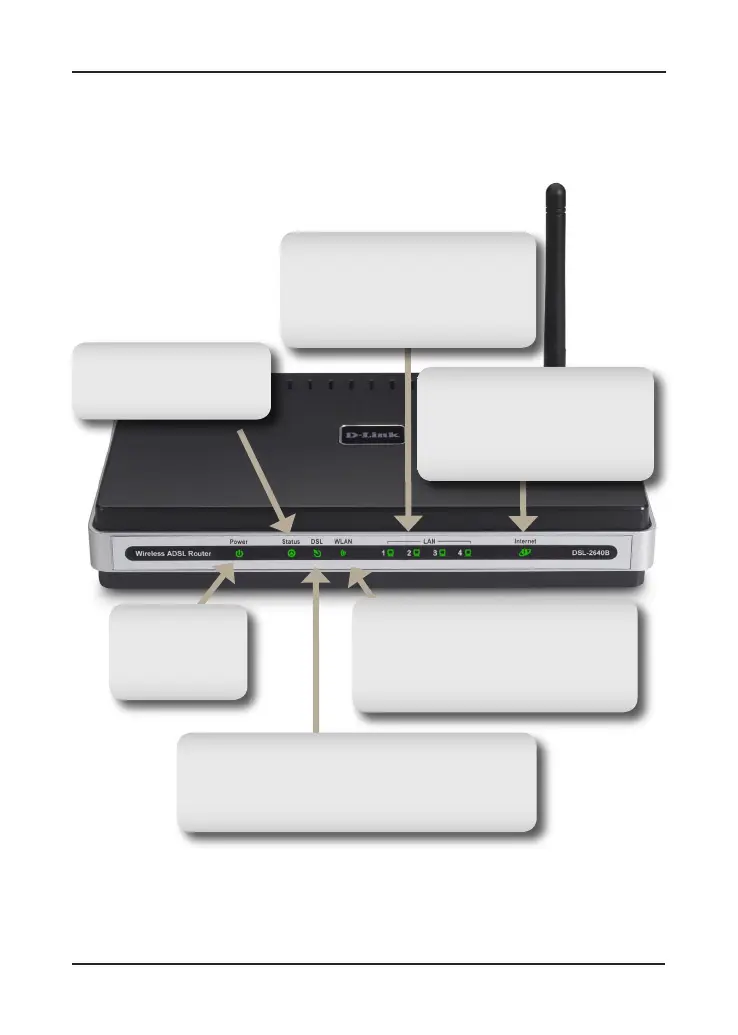
Front Panel View
Status LED
A blinking light indicates
traffic is passing through.
Power LED
A solid green light
indicates the unit
is powered up.
DSL LED
A Solid light indicates the DSL is synchronized.
A flashing LED indicates the router is attempting
to synchronize with the DSL provider.
Internet LED
A solid green light indicates
that the router has an IP
address and is connected to
the internet.
WLAN LED
A solid green light indicates the
wireless is operational. A flashing
green light indicates wireless traffic is
passing through the router.
Local Network LED
A solid light indicates a connection
to an Ethernet-enabled computer.
This LED blinks during data
transmission.



 To Next Page
 Loading...













