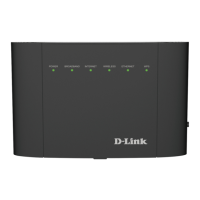
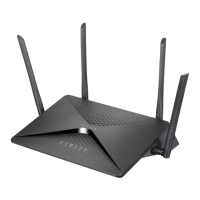
Step 1
Connect your nbn™ equipment and modem using the setup guide provided for
your technology type. If you have not completed this, please refer back to the
nbn™set up guides.
Step 2
Ensure the modem is powered on. Using a pin, reset the modem by pressing
and holding the reset button on the modem until all the lights go off.
Step 3
Using your own device (computer, laptop, tablet or smartphone), connect to the
modem using one of the two options shown below: Ethernet cable directly to the
Ethernet port or WiFi.
Ethernet
Connect the Ethernet cable (this is usually yellow, blue, grey or white) as shown
below from the Ethernet port (LAN port) on the modem to the Ethernet port on
your computer or laptop.
DLINK DSL 3900 - VDSL



 To Next Page