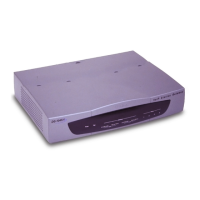
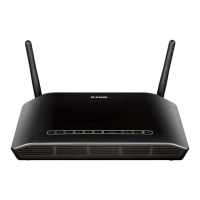
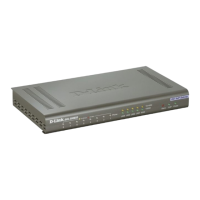
DVG-5008SG FXS VoIP Gateway
3
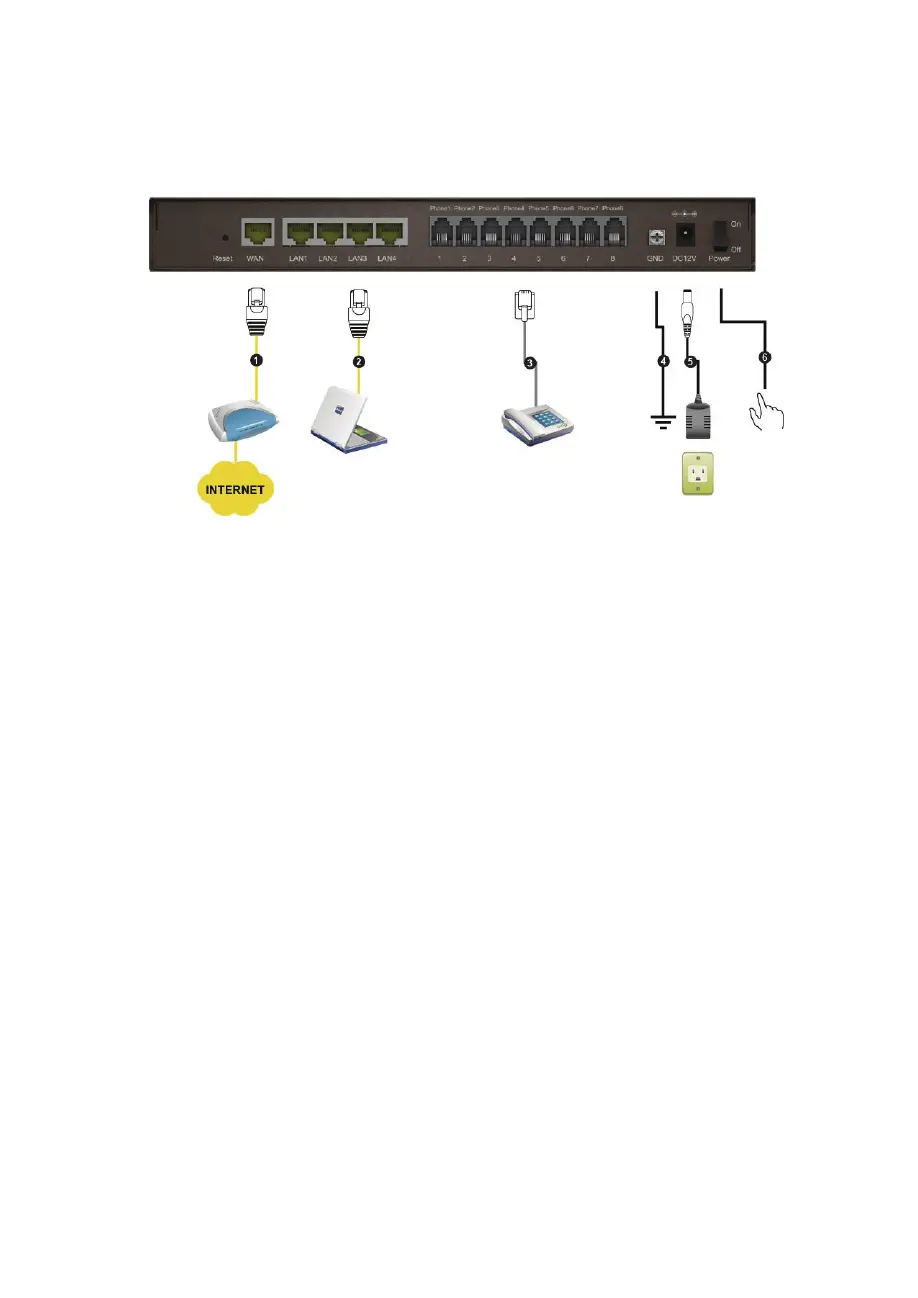
Rear Panel
1. WAN: Connect to your broadband modem using an Ethernet
cable.
2. LAN: Connect to your Ethernet enabled computers using
Ethernet cabling.
3. Phone Port (1-8): Connect to your phones using standard
phone cabling (RJ-11).
4. Ground: A conducting connection with the earth. Connect with
the ground so as to make the earth a part of an electrical
circuit using metal wire.
5. Power Receptor: Receptor for the provided power adapter.
6. Power Switch: Press it down to turn on DVG.


 To Next Page