32D-Link DWA-525 User Manual
Section 3 - Configuration
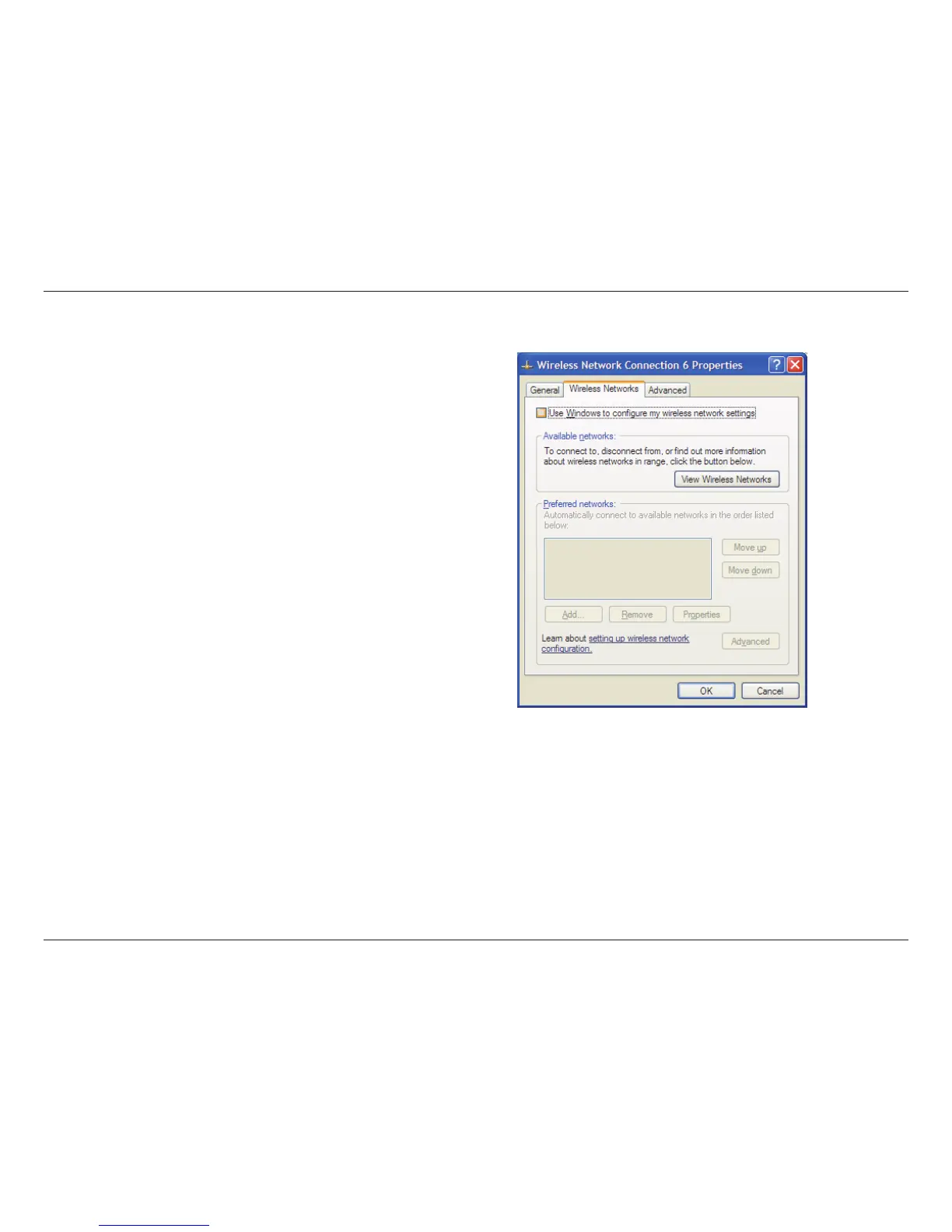
In the Wireless Network Connection Properties window,
uncheck Use Windows
®
to congure my wireless network
settings and then click OK.
Refer to page 15, on instructions for launching the D-Link Wireless Connection Manager.


 To Next Page
 Loading...