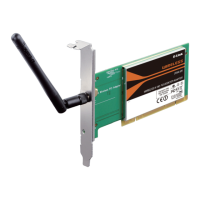
55D-Link DWA-525 User Manual
Section 5 - Troubleshooting
• In Infrastructure mode, make sure the same Service Set Identier (SSID) is specied on the
settings for the wireless clients and access points. The SSID factory default setting for D-Link
products is default.
• In Ad-Hoc mode, both wireless clients will need to have the same SSID. Please note that it might
be necessary to set up one client to establish a BSS (Basic Service Set) and wait briey before
setting up other clients. This prevents several clients from trying to establish a BSS at the same
time, which can result in multiple singular BSSs being established, rather than a single BSS with
multiple clients associated to it.
• Check that the Network Connection for the wireless client is congured properly. Select AP
(Infrastructure) when connecting to an access point and select Ad-Hoc mode when connecting
without an access point. Double-click on the WLAN icon in the taskbar > click on Conguration to
change the settings for the wireless adapter.
•
If Security is enabled, make sure that the correct encryption keys are entered on both the DWA-525
and the access point. Double-click on the WLAN icon in the taskbar > click Encryption. Check
to see that the key selected is set to the same key as other devices on the network.
• Move the DWA-525 and Access Point or Wireless router into the same room and then test the
wireless connection.
• Change the channel of the Access Point.
• Move devices within the line of sight.
7. How can I troubleshoot distance issues using the DWA-525?


 To Next Page
 Loading...