DWL-8610AP Install Guide 3
Hardware Overview
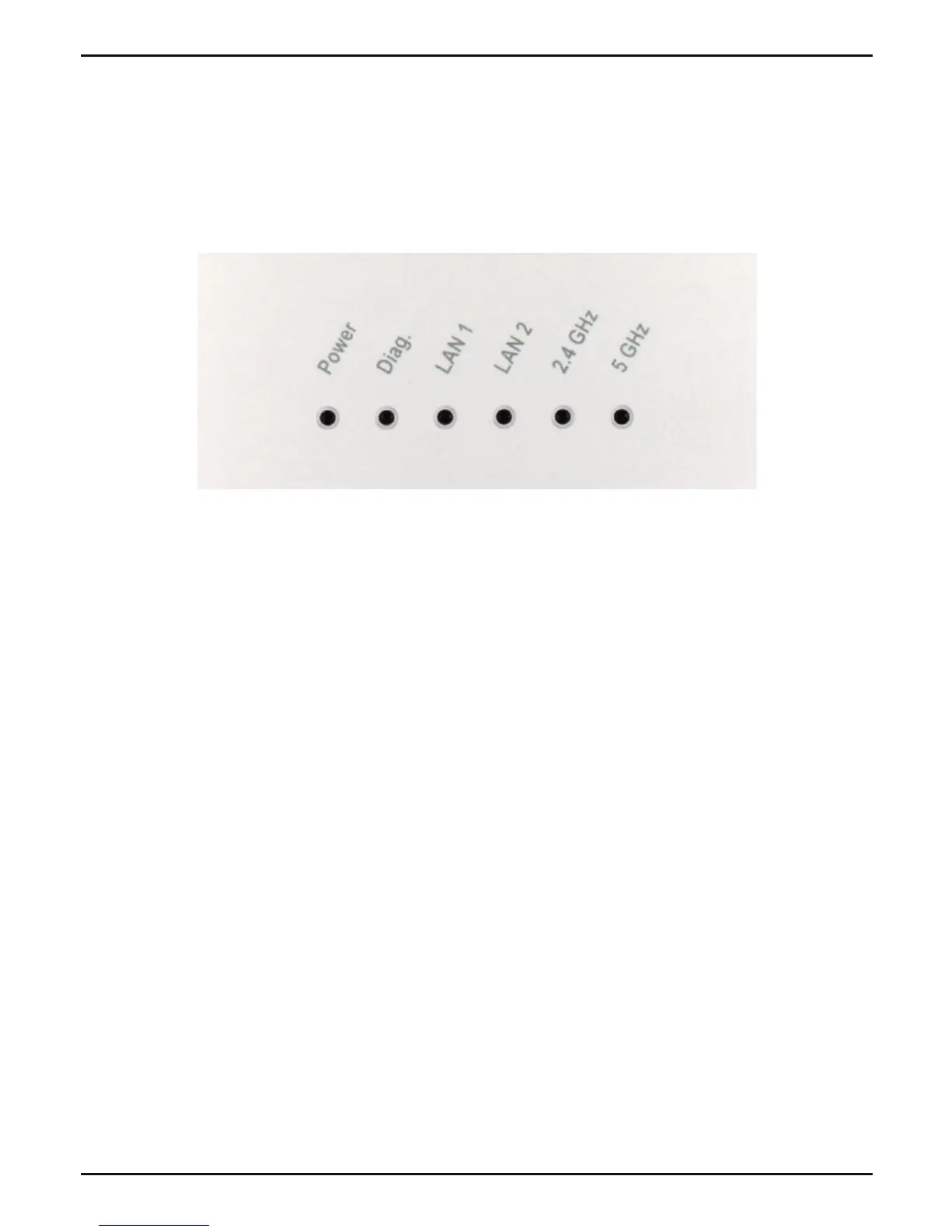
LEDs
Diag. -The light will blink during boot up system auto-check.
Once the access point is ready, the light will be off.
5 GHz - When lit, the access point is operating at 5GHz.
This light will blink when there is wireless trafc.
2.4 GHz - When lit, the access point is operating at 2.4GHz.
This light will blink when there is wireless trafc.
LAN1, LAN2 - Solid light when the Ethernet port is connected
to a working port, such as a router or switch. The light will blink
when there is trafc through LAN port.
POWER - The light will blink during boot up. Once solid, the
access point is ready.



 To Next Page
 Loading...










