34
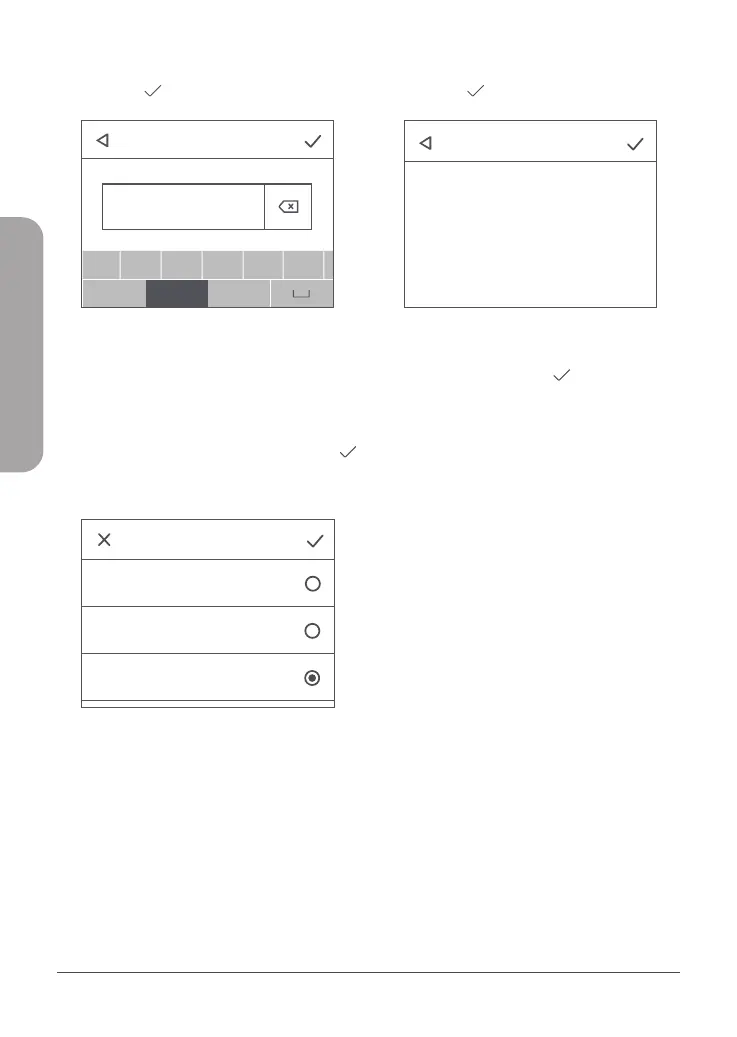
5. Wpisz nazwę w pole Nazwa profilu.
Dotknij , aby kontynuować.
Profile management
Profile name
abc
a
!#$
123
b c d e f
a /A
PdpType
SMS Settings
Settings
Connected Users
Profile management
Profile name:Taiwan Mobile
APN:internet
User name:
IPv4
IPv6
IPv4v6
Password:
PdpType:IPv4v6
Profile name:abc
APN:def
User name:def
Password:abc
PdpType:IPv4v6
Create Select Delete
Data Usage
About
abc
Enter APN
a
!#$
123
b c d e f
a /A
Rysunek 9: Wpisz APN
6. Różni dostawcy usług internetowych (ISP)
używają różnych punktów dostępu (APN).
Skontaktuj się ze swoim usługodawcą
ISP w celu uzyskania szczegółów, w
tym używanej nazwy użytkownika
i hasła (o ile występują). Dotknij
, aby kontynuować po wprowadzeniu
informacji.
Profile management
Profile name
abc
a
!#$
123
b c d e f
a /A
PdpType
SMS Settings
Settings
Connected Users
Profile management
Profile name:Taiwan Mobile
APN:internet
User name:
IPv4
IPv6
IPv4v6
Password:
PdpType:IPv4v6
Profile name:abc
APN:def
User name:def
Password:abc
PdpType:IPv4v6
Create Select Delete
Data Usage
About
abc
Enter APN
a
!#$
123
b c d e f
a /A
Confirm profile Info
Rysunek 10: PdpType
7. Użyj domyślnej wartości PdpType (IPv4v6).
Dotknij , aby kontynuować.
Profile management
Profile name
abc
a
!#$
123
b c d e f
a /A
PdpType
SMS Settings
Settings
Connected Users
Profile management
Profile name:Taiwan Mobile
APN:internet
User name:
IPv4
IPv6
IPv4v6
Password:
PdpType:IPv4v6
Profile name:abc
APN:def
User name:def
Password:abc
PdpType:IPv4v6
Create Select Delete
Data Usage
About
abc
Enter APN
a
!#$
123
b c d e f
a /A
Confirm profile Info
Rysunek 11: Potwierdzenie informacji prolu
8. Potwierdź informacje profilu wyświetlane
na ekranie. Dotknij , aby zakończyć
konfigurację.
POLSKI



 To Next Page