EasyManua.ls Logo

D-Link DWR-932 - User Manual

D-Link DWR-932
115 pages
Print Icon
To Next Page IconTo Next Page
Loading...
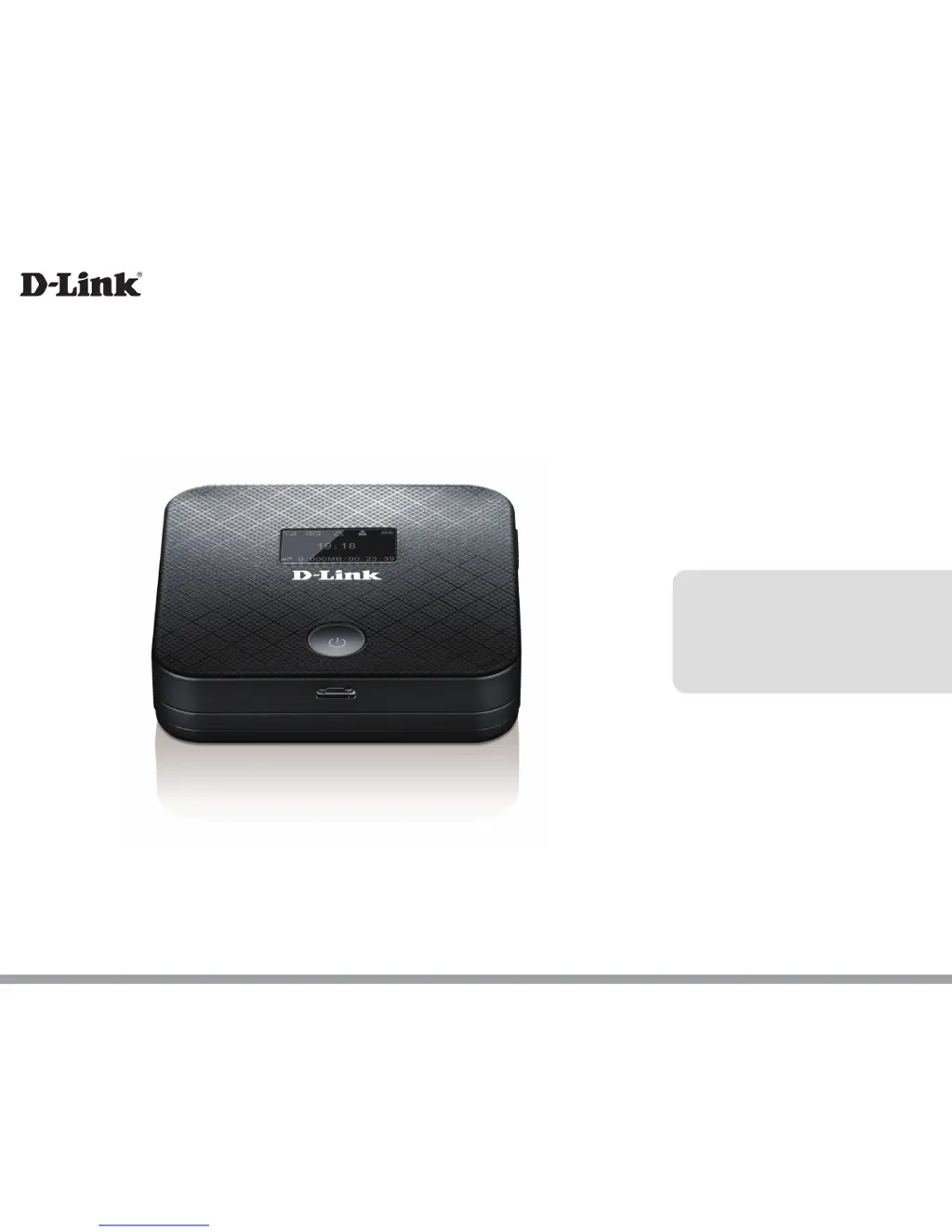
DWR-932
User Manual
4G/LTE Mobile Router
Version 1.0 | May 06, 2015

Table of Contents

Other manuals for D-Link DWR-932

Questions and Answers

  • W
    William MartinJul 27, 2025
    How to reset D-Link Wireless Router DWR-932 to factory default settings?
    • S
      Sharon KellerJul 27, 2025
      If you've forgotten your router's password or wireless network settings, you can reset your D-Link Wireless Router DWR-932 to its original factory settings. To do this, remove the battery cover and use a straightened paperclip (or similar object) to press and hold the reset button on the router for 5 seconds. Keep in mind that resetting the router will erase your current configuration settings.
  • M
    Mary MillerAug 5, 2025
    How to configure D-Link Wireless Router DWR-932 or check wireless network name (SSID) and wireless encryption key?
    • S
      Sandra BaileyAug 5, 2025
      To configure your D-Link Wireless Router DWR-932 or check your wireless network name and wireless encryption key, power on the DWR-932 and connect it to your PC using the MicroUSB cable. Open a web browser and go to http://192.168.0.1. Log in with the username 'admin' and leave the password field blank. Once you're logged in, you can view or change the wireless network name and password. If you have changed the password and cannot remember it, you will need to reset the router to factory defaults.
  • J
    Joshua MoralesAug 16, 2025
    Why am I unable to connect to my D-Link Wireless Router mobile internet service?
    • A
      Andrea WilliamsAug 16, 2025
      If you're unable to connect to your mobile internet service with your D-Link Wireless Router, make sure the SIM card is correctly installed and has 4G/3G data service. Also, verify that antivirus software isn't blocking the connection and that you're not connected to other internet sources.

Summary

Product Overview

Package Contents and System Requirements

Lists items included and required for the DWR-932.

Hardware Overview

Installation and Initial Setup

Router Configuration

Initial Connection and Web Access

How to connect to the router and access its web interface.

Admin and System Settings

Network and Wi-Fi Configuration

Security Features

Advanced Network Functions

System Maintenance

Connecting to a Wireless Network

Connecting with Windows 8;7;Vista;XP

Guides for connecting to wireless networks on various Windows versions.

Troubleshooting Common Issues

Technical Specifications

Regulatory and Safety Information

D-Link DWR-932 Specifications

Radio Frequency Bands IconRadio Frequency Bands
FDD-LTE bandsBand 1, 3, 7, 8, 20
TDD-LTE band38
UMTS bandsB1-2100 MHz / B8-900 MHz
Cellular Access IconCellular Access
GSM bands850/900/1800/1900 MHz
LTE output power class23 dBm (class3)
Downlink speed100 Mbps
Wi-Fi Specifications IconWi-Fi Specifications
Wi-Fi standard 1802.11n
Wi-Fi standard 2802.11g
Wi-Fi standard 3802.11b
Physical Specifications IconPhysical Specifications
Dimensions96.8 x 57.6 x 15 mm (3.81 x 2.26 x 0.59 inches)
Weight90 g (3.17 ounces)
AntennaOne internal antenna
Operating Environment IconOperating Environment
Operating temperature0 to 40 °C (14 to 131 °F)
USB interfacemicro USB port
USIM slotStandard 6-pin SIM card interface

Related product manuals