42D-Link DWR-932 User Manual
Section 3 - Conguration
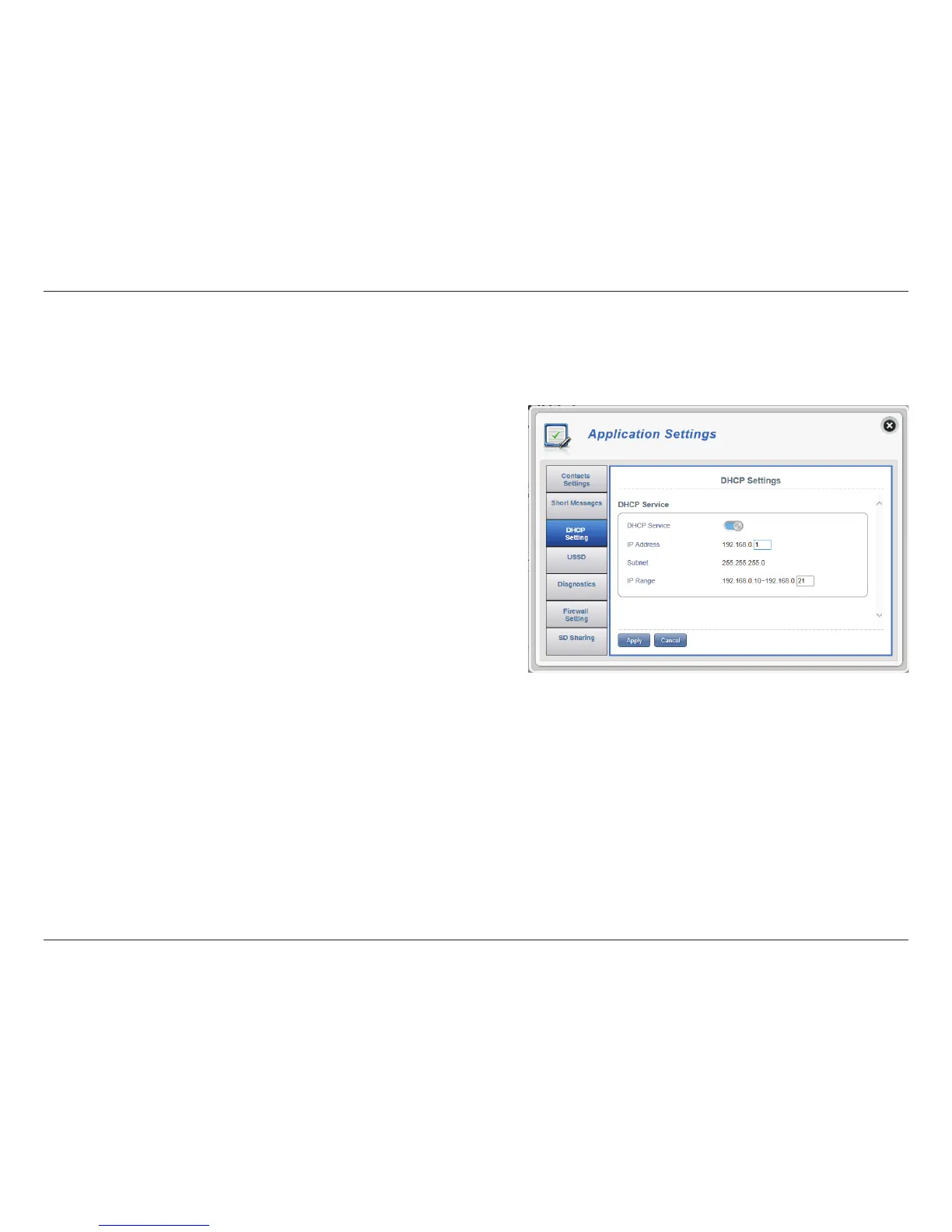
DHCP Settings
Here you can enable your router’s DHCP Service, congure the IP address for the DWR-932 as well as the IP range of numbers that the DHCP will
give out.
DHCP Service
IP Address
Subnet
IP Range
Enable/disable the DHCP Service.
Click on the last digit to alter your router’s current IP
address.
The subnet number that your router is using.
Click on the last digits to alter the range of numbers
that the DHCP server will give out.
Click Apply to save changes.
DHCP Service



 To Next Page