17D-Link DWR-932 User Manual
Section 3 - Conguration
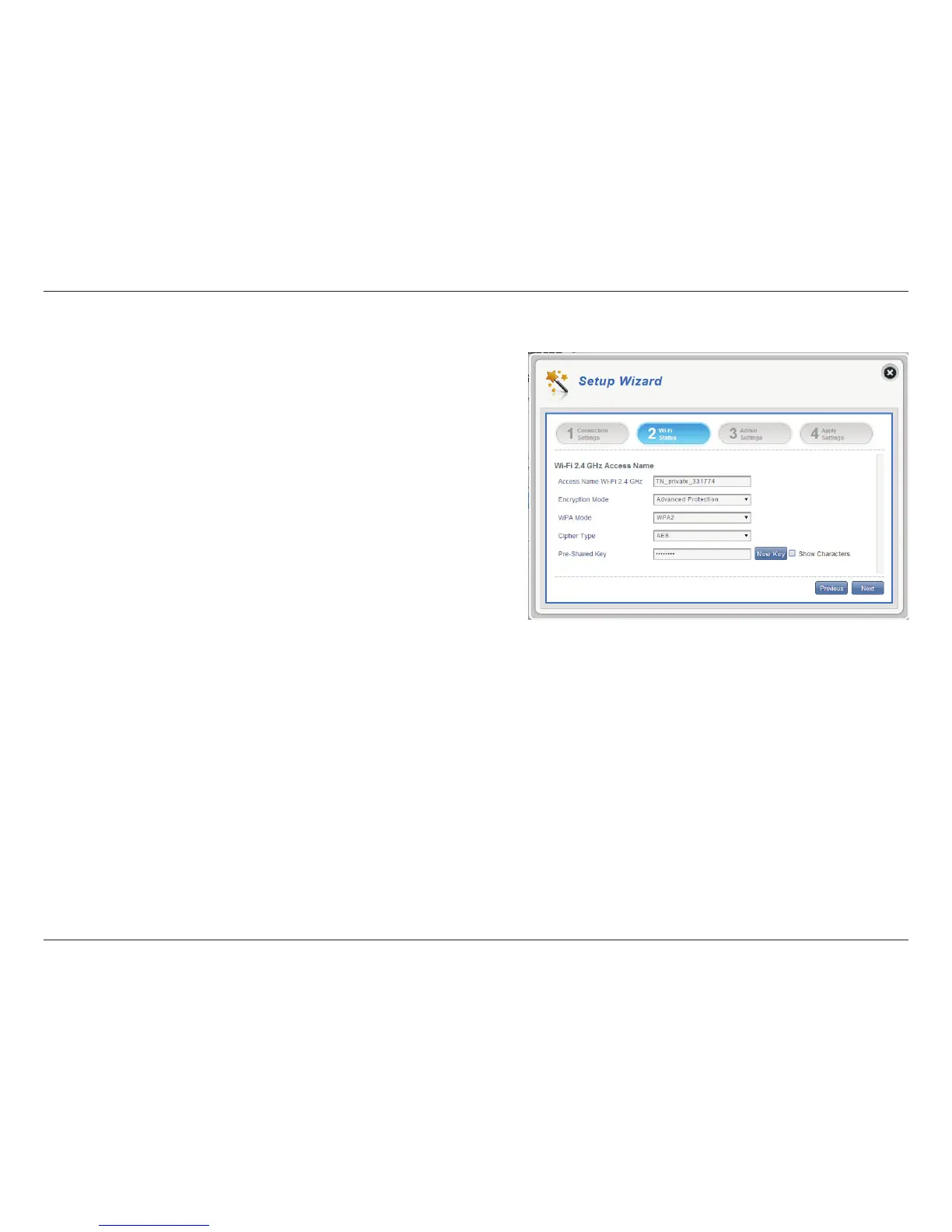
In this section you have the option of changing your Wi-Fi access name and
password as well as security features, making your network extra secure for you
and your friends.
Wi-Fi Status
Access Name Wi-Fi 2.4
GHz
Encryption Mode
WPA Mode
Cipher Mode
Pre -Shared Key
The name of your wireless access point.
By default advanced protection is selected. You
may also select between basic protection or no
protection.
Auto (WPA or WPA2) - The router will automatically
determine the version of WPA to be used based on
the client that is connecting to it.
WPA2 - Clients will only be able to associate with
the router using the WPA2 standard. Clients which
do not support WPA2 will not be able to associate
with the router.
AES - A newer cipher used by the WPA2 standard.
Use of this cipher type is required in order to
achieve 802.11 speeds.
The pre-shared key is the password which clients
will require in order to connect to your network.
Enter a password of between 8 and 63 characters in
length.
Click Next to move to the next section.
Wi-Fi 2.4 GHz Access Name



 To Next Page