38D-Link DWR-932 User Manual
Section 3 - Conguration
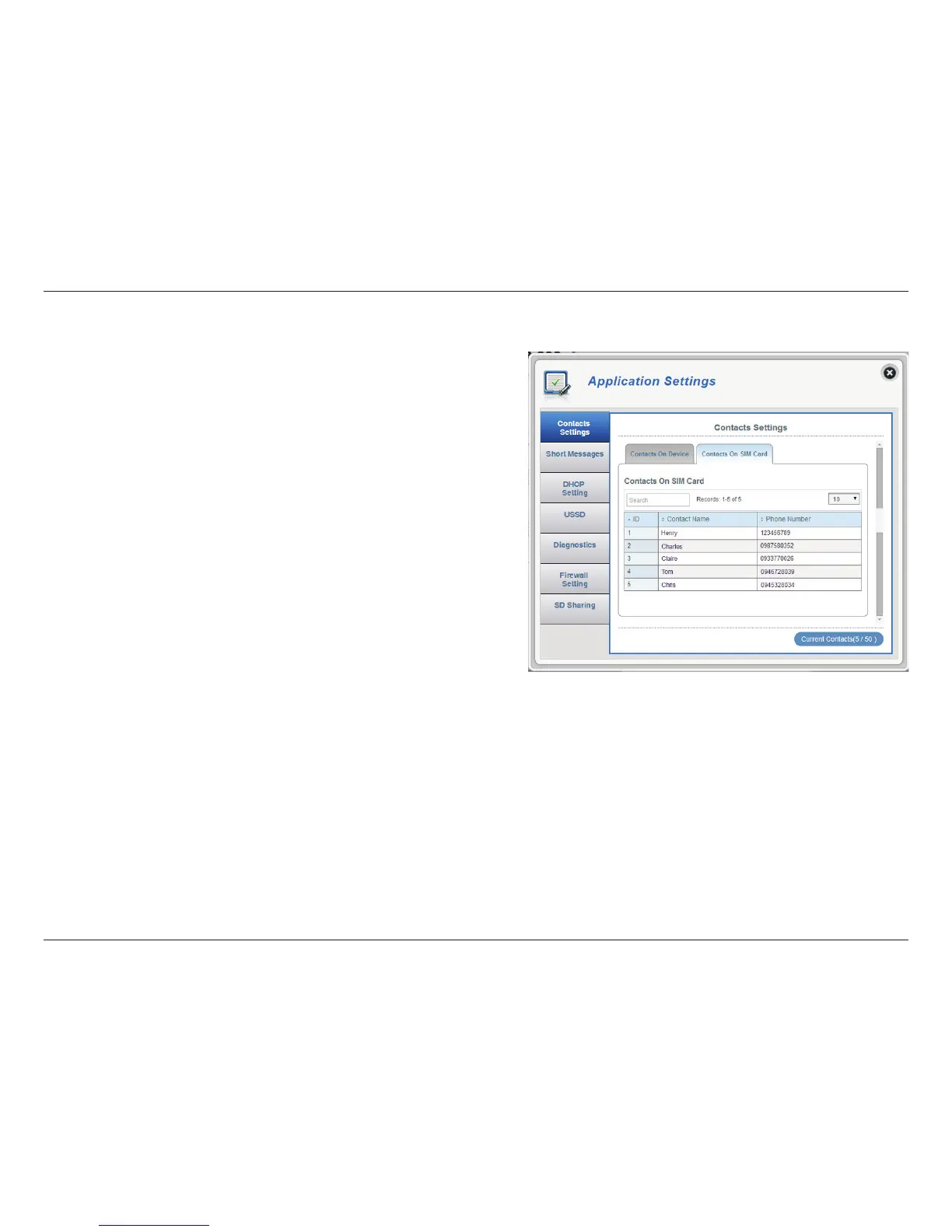
A number given to each contact on your SIM card.
Check this box to select and delete a contact on
your SIM.
The name of contacts on your SIM card.
SIM card contacts phone number.
Click Add New to add a new contact to your SIM
card.
Click Apply to save changes.
ID
Delete
Contact Name
Phone Number
Add New
Contacts On SIM Card



 To Next Page