46D-Link DWR-932 User Manual
Section 3 - Conguration
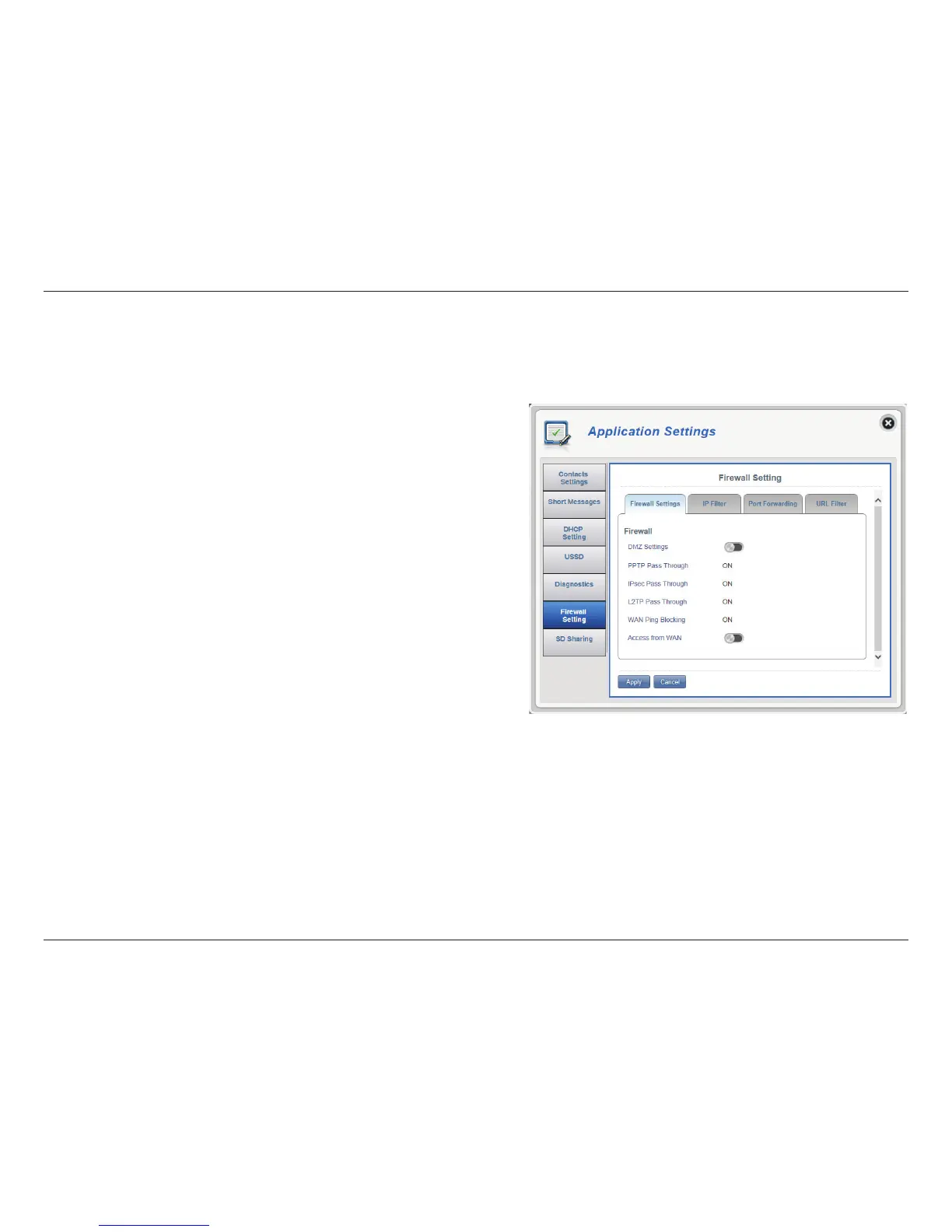
DMZ Settings
PPTP Pass Through
IPsec Pass Through
L2TP Pass Through
WAN Ping Blocking
Access from WAN
Firewall Settings
A rewall protects your network from the outside world, helping to prevent cyber attacks. This page allows you to alter your router’s rewall settings.
DMZ is short for Demilitarized Zone. Clicking this
toggle will expose a chosen computer to the outside
world by completely disabling all rewalls.
Note: Only recommend for advanced users, enabling this
option will potentially expose your computer to cyber
attacks over the Internet.
Allows multiple machines on the LAN to connect to
their corporate network using PPTP protocol.
Allows multiple machines on the LAN to connect to
their corporate network using IPsec protocol.
Allows multiple machines on the LAN to connect to
their corporate network using L2TP protocol.
The DWR-932 will not respond to pings.
Clicking this toggle allows access from WAN.
Click Apply to save changes.
Firewall Settings



 To Next Page