D-Link Technical Support – How to install the DCS-942L. Page 9 of 16
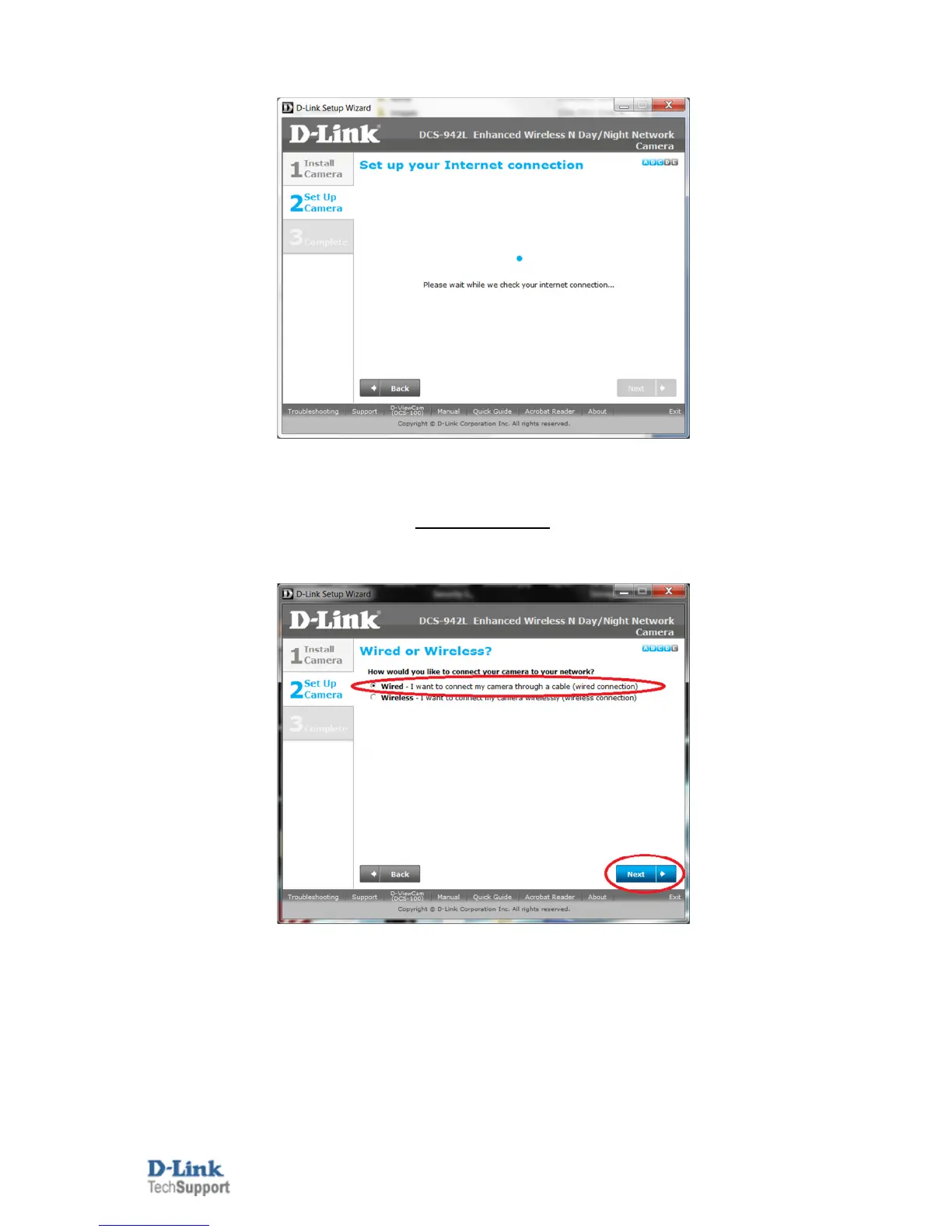
15. Patiently wait for the DCS-942L to update its configuration:
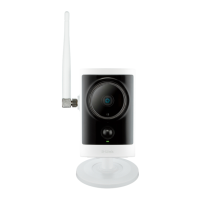
16. Under the Wired or Wireless screen you have the option to select the Wired or Wireless option for the
connection of your DCS-942L. Select the heading which matches your installation option (scroll further down
for Wireless).
Wired Connection:
16a. Leave it on the Wired option and click the Next button:
16b. Go straight to Step 20.


 To Next Page