6
frequency and the blinking frequency of the lighting.
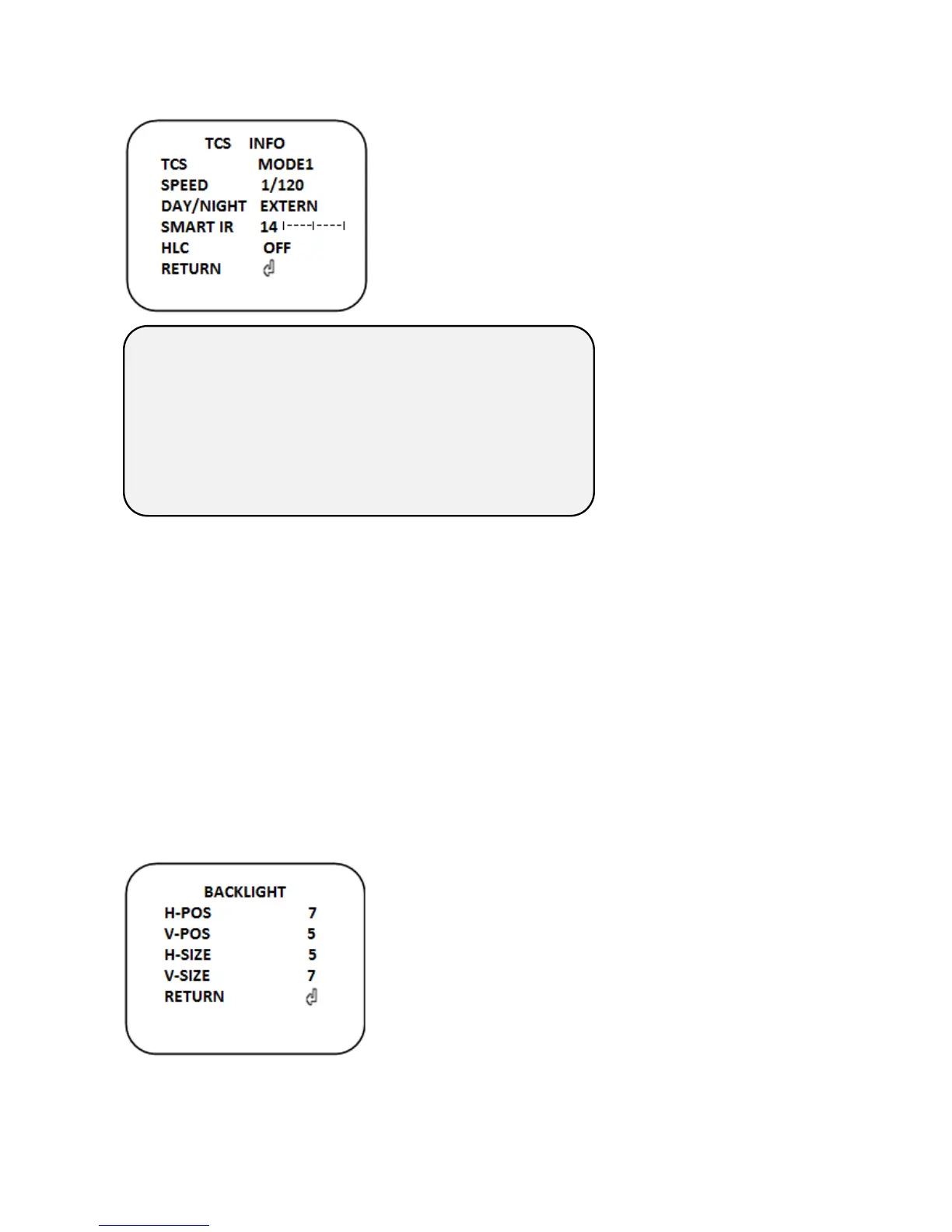
3) TCS INFO
This function can capture clear image when the object move
fast.
- TCS MODE
Select TCS level
- SPEED: Show the Shutter speed value (1/120 ~ 1/1600)
- DAY/NIGHT: Show the DAY/NIGHT mode (AUTO~EXTERN)
- SMART IR: Show the SMART IR level value
- HLC: Show the HLC on,or off state
4)SENS--UP
Select “Digital Slow Shutter” level (OFF/ 2x, 4x, 8x, 16x, 32x)
5) AGC
Set “Auto gain control” value (1~10)
4. BACKLIGHT
The function is used to set the Back Light Compensation (BLC), High Light Compensation
(HLC) and Wide Dynamic Range (WDR).
▶OFF, WDR, HLC, BLC
1) BLC
BLC Area shows up on the screen
H- POS(0~20):Set the position of BLC area.
V- POS(0~20):Set the position of BLC area.
H- SIZE(0~20):Set the size of BLC area.
V- SIZE0~20): Set the size of BLC area.
NOT USED
Shutter 1/120~6000 + DN EXT + Smart IR 14
Shutter 1/120~1600+ User DN + User Smart IR
Shutter 1/120~1600 + DN EXT + Smart IR 14 + HLC
Shutter 1/120~1600 + User DN + User Smart IR+ HLC


 To Next Page
 Loading...