16
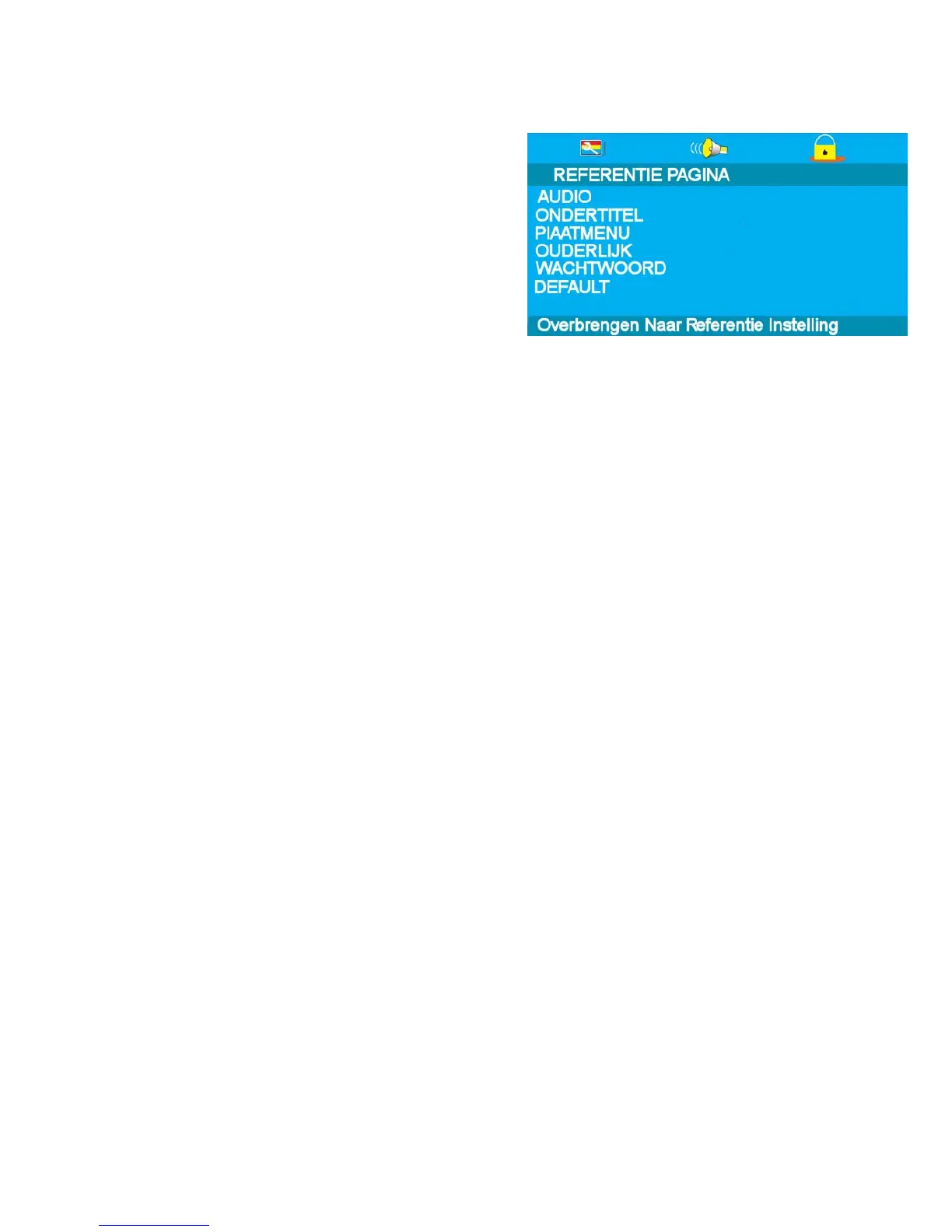
SUBTITLES. Select Subtitle using the ▲/▼ buttons. The
languages available will be shown in the right column. Select
the required language using the ► and /▼ buttons. Default is
Nederlands. If the disc has that language it will display the
Subtitles in that language
Set the level using the ▲/▼ buttons and press OK. You will be
asked for the password (136900).
Default is ADULT.
DISC MENU. Select Disc menu using the ▲/▼ buttons. The
languages available will be shown in the right column. Select
the required language using the ► and /▼ buttons. Default is
Nederlands. If the disc has that language it will display the
menu in that language
PARENTAL. Select Parental using the ▲/▼ buttons. Enter the
list using the ► button.
Set the level using the ▲/▼ buttons and press OK. You will be
asked for the password (136900).
Default is ADULT.
Fig 19
10. DVD Setup Menu’s cont..
PASSWORD. Select Password using the ▲/▼ buttons. Select Change using the ► button and OK. Put in
the old password. You must then put in the new password twice and press OK.
Make a note of the new password and keep safe.
DEFAULT. Selecting Default will reset to the factory settings all your personal settings in the DVD setup
menu.



 To Next Page