Digital Filter setting
F06 15
00
+
49
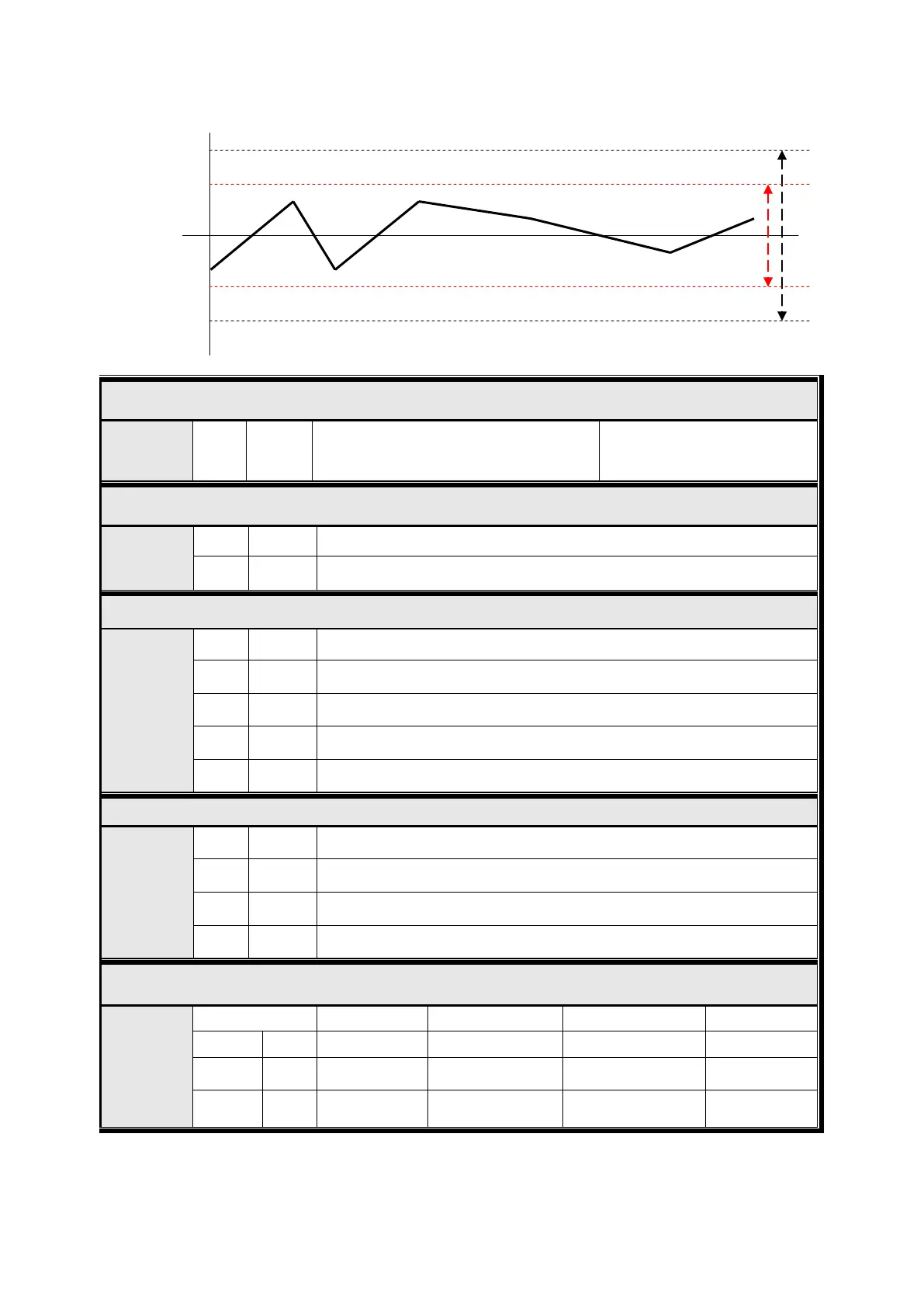
Small set value for weak vibration
Large set value for strong vibration
sensitive
Zero /Tare key Operation mode selection
F07
● 0 Activate when “Steady” condition, only
1 Always activated
Zero key Operation Range selection
F08
0 Activated within 2% of Max. Capacity
1 Activated within 5% of Max. Capacity
2 Activated within 10% of Max. Capacity
●
3 Activated within 20% of Max. Capacity
4 Activated within 100% of Max. Capacity
Tare key Operation Range selection
F09
0 Activated within 10% of Max. Capacity
1 Activated within 20% of Max. Capacity
2 Activated within 50% of Max. Capacity
● 3 Activated within 100% of Max. Capacity
External Input Selection
F11
Set Value Input 1 Input 2 Input 3 Input 4
● 0 Run Stop Tare/Tare Reset Zero
1 Run/Stop Tare Tare Reset Zero
2 Run/Stop Tare/Tare Reset Print Zero
Range
23 / 49


 To Next Page
 Loading...
