PAGE 11 / 53
Chapter 5. Set Up
5-1. Calibration
Adjust weight balance between “Real weight” on the load cell(Weight Part) and “Displayed weight of
Indicator”. When you replace LOAD CELL or Indicator, you have to do Calibration process once again
5-2. Test Weight Calibration (span Calibration) – Mode 1.
- Applicable model : DN500N,510N,520N,530N,540N series
Prepare at least 10% of Max. capacity of your weighing scale.
Step 1. Enter Calibration Mode
Step 1. Enter Calibration Mode
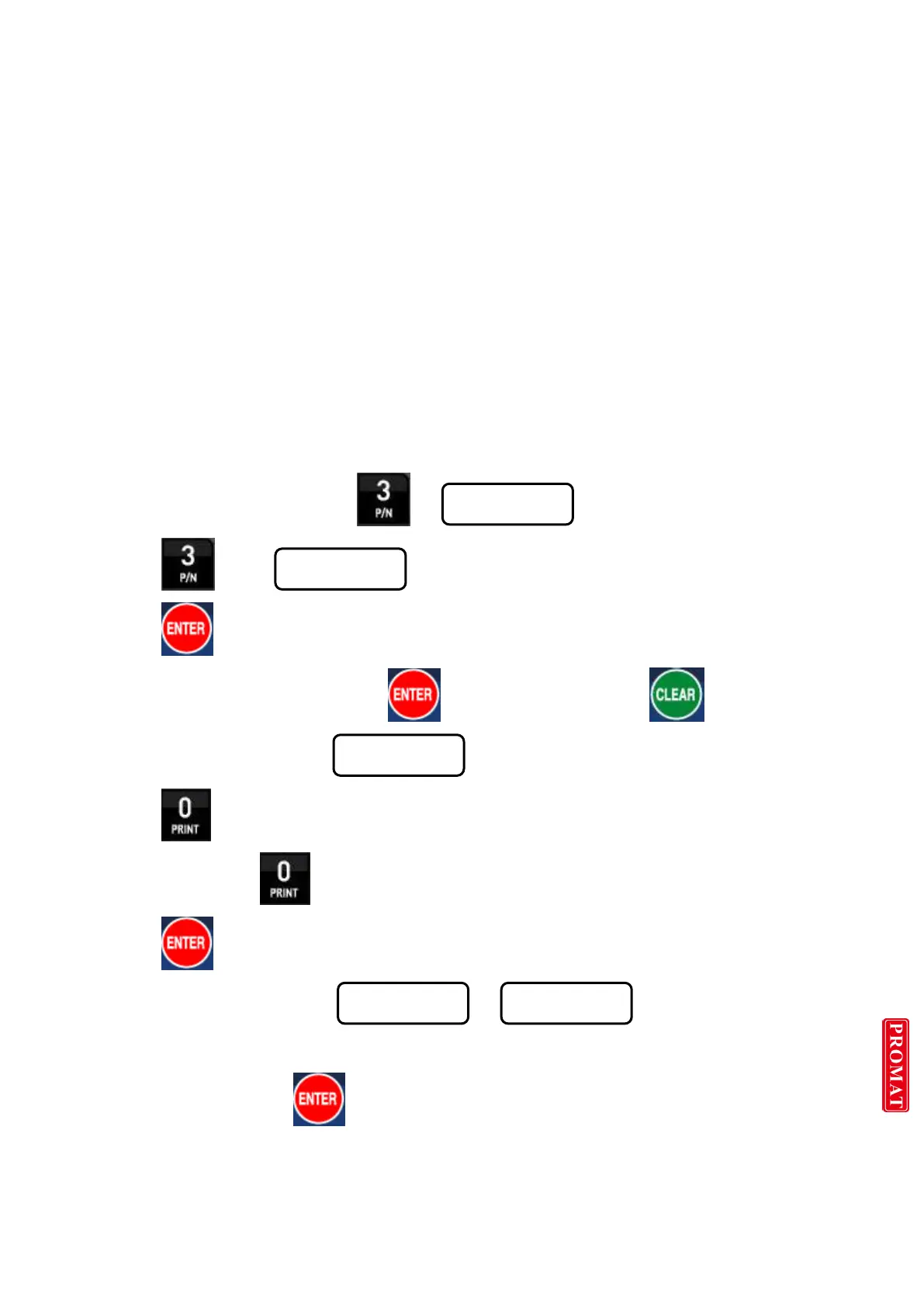
Turn on the Power + with pressing display
Press key display
Press key to start “Calibration Mode”.
Remarks : Go to next step with save key / Back to previous step key
Step 2. Digit(Division)setting ( display)
Press key and stop the optimal Digit value.
(Whenever pressing key, digit value will be changed, like 01-02-05-10-20-50)
Press key and save change and move to next step.
Step 3. Max. Capacity Setting ( display)
Input Max. Capacity of Scale with No. keys.
Input Capacity and press key, and move to next step.
※ Caution
(Max. capacity value / division value) can not be over 30,000.(as Indicator resolution is 1/30,000).


 To Next Page
 Loading...
