24
I
GB
DSX26
dello nonché tra qualsiasi sequencer o computer
predisposto per il MIDI Sysex (systems exclusive).
Collegare il cavo MIDI al MIDI out del dispositivo
trasmittente e al MIDI in del dispositivo ricevente.
pable sequencer or computer.
Attach a MIDI cable from the MIDI out of the send-
ing unit to the MIDI in of the receiving unit.
A questo punto viene inviato un messaggio MIDI
sysex che comunica all’unità ricevente l’arrivo
di un MIDI dump. Il DSX26 ricevente dovrebbe
visualizzare un messaggio che chiede l’autoriz-
zazione del dump in arrivo. Se non si desidera
sovrascrivere la memoria dell’unità ricevente pre-
mere il pulsante___dell’unità ricevente in modo
da rispondere “No” al messaggio “Allow Dump?”.
Il dispositivo ricevente riprenderà a funzionare
normalmente e ignorerà tutte le informazioni
del programma in arrivo. Premendo in qualsiasi
momento PREV/NEXT riporta l’unità di trasmis-
sione alla modalità set-up. Premere SAVE/ENTER
sull’unità trasmittente per eseguire il dump. L’uni-
tà di trasmissione visualizzerà a questo punto la
seguente schermata.
Premendo il pulsante___dell’unità trasmittente
apparirà la schermata seguente.
La riuscita della comunicazione viene indicata
dalla visualizzazione sull’unità trasmittente di una
percentuale di avanzamento. Quando questa rag-
giunge il 100% l’unità trasmittente ritornerà sulla
schermata del MIDI dump MIDI ed il MIDI dump
sarà stato completato.
Nota: se un modello diverso riceve un system
dump tutte le informazioni memorizzate nell’uni-
tà potrebbero essere cancellate. Nel caso di molti
modelli diversi collegati tra loro, prima di eseguire
un sysex dump accertarsi che nessuna delle unità
che riceveranno le informazioni del dump siano
spente o siano impostate su un altro canale MIDI.
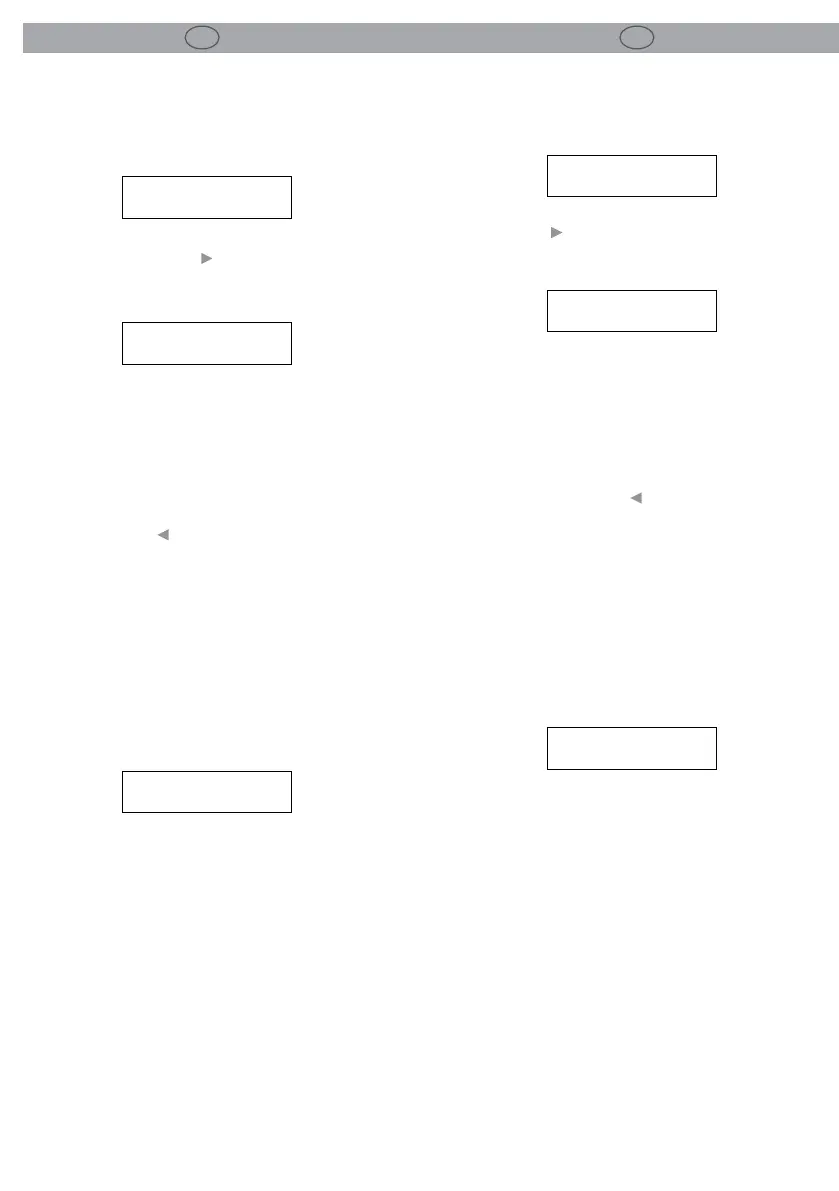
SETUP *
MIDI DUMP NO
MIDI DUMP?
ENTER TO CONFIRM
MIDI DUMP
PREPARING...
SETUP *
MIDI DUMP NO
Pressing the___button on the sending unit will
display the prompt screen below.
MIDI DUMP?
ENTER TO CONFIRM
A MIDI sysex message is now sent out that
prompts the receiving unit that an incoming MIDI
dump will occur.
A receiving DSX26 unit should display a message
asking to allow an incoming dump. If you do not
want the receiving unit to have its memories
overwritten then press___the button on the re-
ceiving unit to change the “Allow Dump ?” mes-
sage to “No”.
The receiving unit will return to normal operation
and ignore any incoming Program information.
Pressing PREV/NEXT at any time will return the
sending unit to the set-up mode.
Pressing SAVE/ENTER on the sending unit per-
forms the dump. The sending unit should now
display the following screen.
MIDI DUMP
PREPARING...
If communication is successful then a progress
percentage will be shown on the sending unit.
When this reaches 100% the sending unit will
return to the MIDI dump default screen and the
MIDI dump is complete.
Note: a system dump received by a dierent mod-
el can wipe all the memory information from that
unit. If you have several dierent models linked
together and you wish to perform sysex dumps
between them make sure that all that should not
receive the dump information are either switched
o or set to another MIDI channel.


 To Next Page
 Loading...