9
CONTROLS
TURNING AC POWER ON & OFF THE OVEN
When the oven is first plugged in , the display will show nothing.
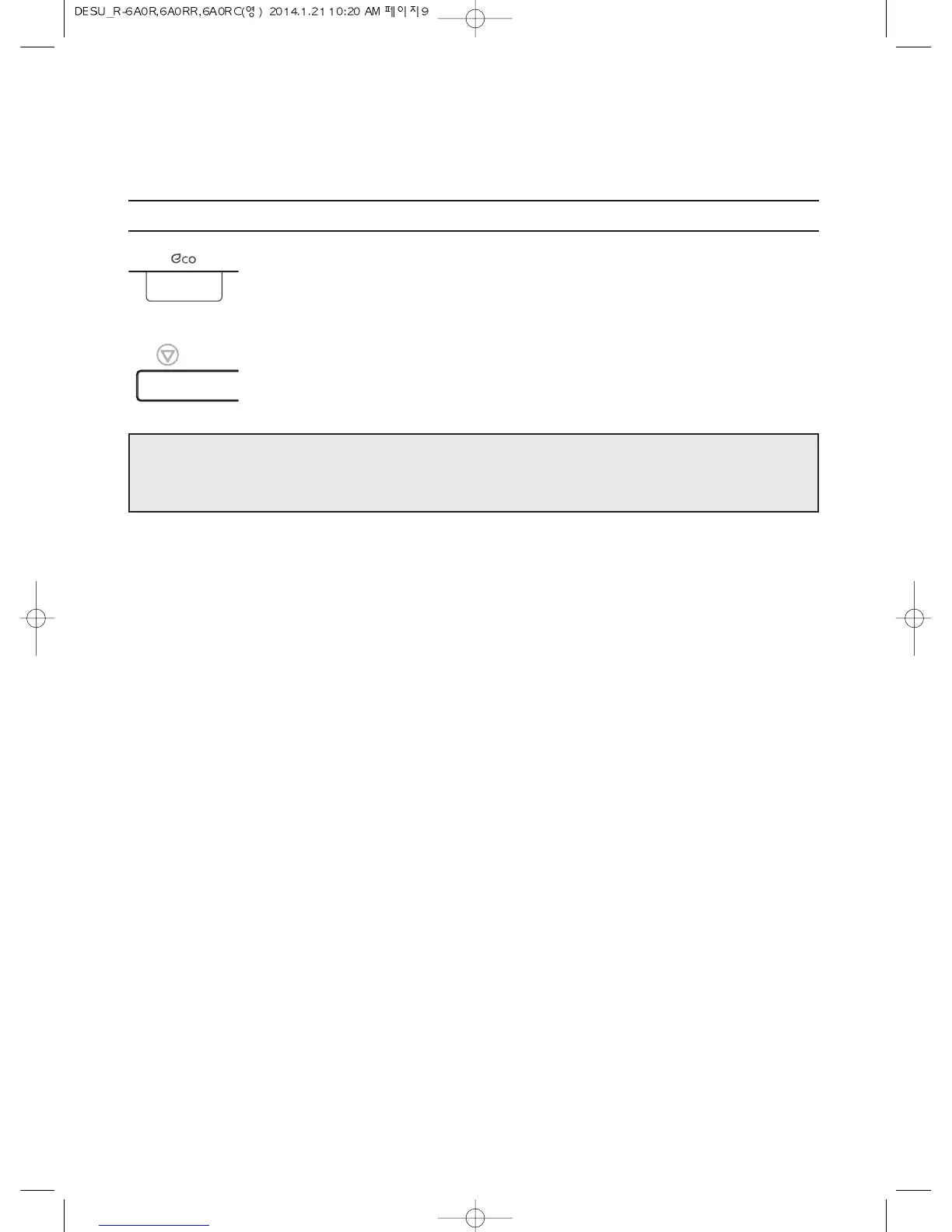
1. Press and hold Eco button until
display is turned on and beep
sounds.
The oven is turned AC power on.
2. Press and hold STOP/CLEAR
button until display is turned off.
The oven is turned off and will
use no power.
NOTE: If the mains power goes off the display disappears until the power comes back on and the Eco
button is pressed and held until a beep sounds.
The oven is automatically powered off if not used for 10 Minutes.



 To Next Page