OPERATION & ADJUSTMENT
9
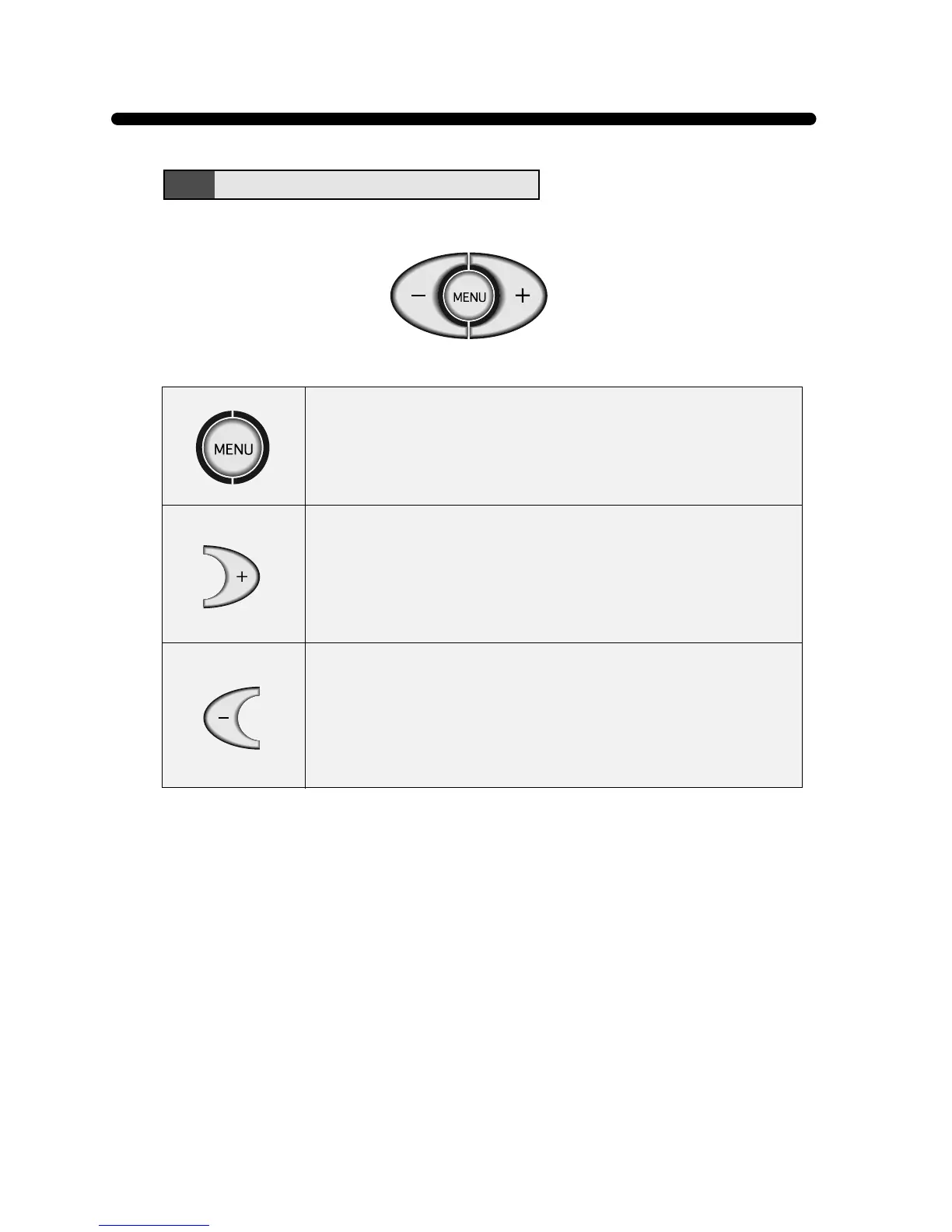
• Launch OSD(On-Screen Display) MENU window
• Move cursor to the FUNCTION window from the MENU window
• Select a FUNCTION among 8 FUNCTIONs on the FUNCTION
window
• Move cursor to the next MENU on the MENU window
• Move cursor to the next FUNCTION on each FUNCTION window
• Increase the value of any selected FUNCTION
• Increase the contrast directly when OSD is not displayed
• Move cursor to the previous MENU on the MENU window
• Move cursor to the previous FUNCTION on each FUNCTION
window
• Decrease the value of any selected FUNCTION
• Decrease the contrast directly when OSD is not displayed
ADJUSTMENT KEY



 To Next Page