14
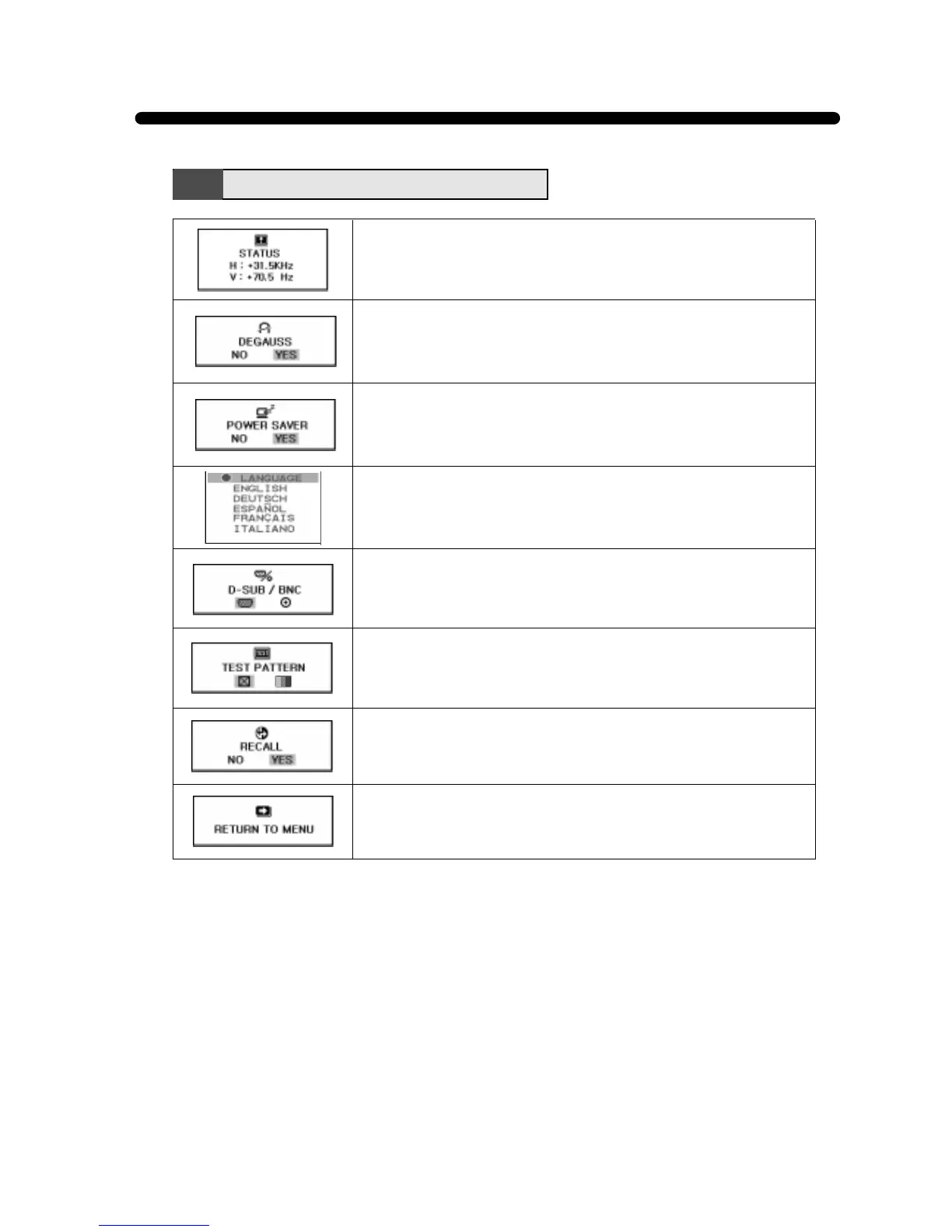
Display horizontal & vertical frequency and polarity.
YES : VESA DPMS operation.
NO : NO DPMS operation.
Select language for OSD.
Select a Input Signaling Type between D-Sub and BNC connector.
Utility Menu Functions
Reset the screen to the Factory Preset Display Settings.
Return to the Utility Menu Window.
Degauss the display and restore image quality.
Display a RGB Color Bar to determine whether the screen color is
expressed normally or not.



 To Next Page