• STEP 2 :
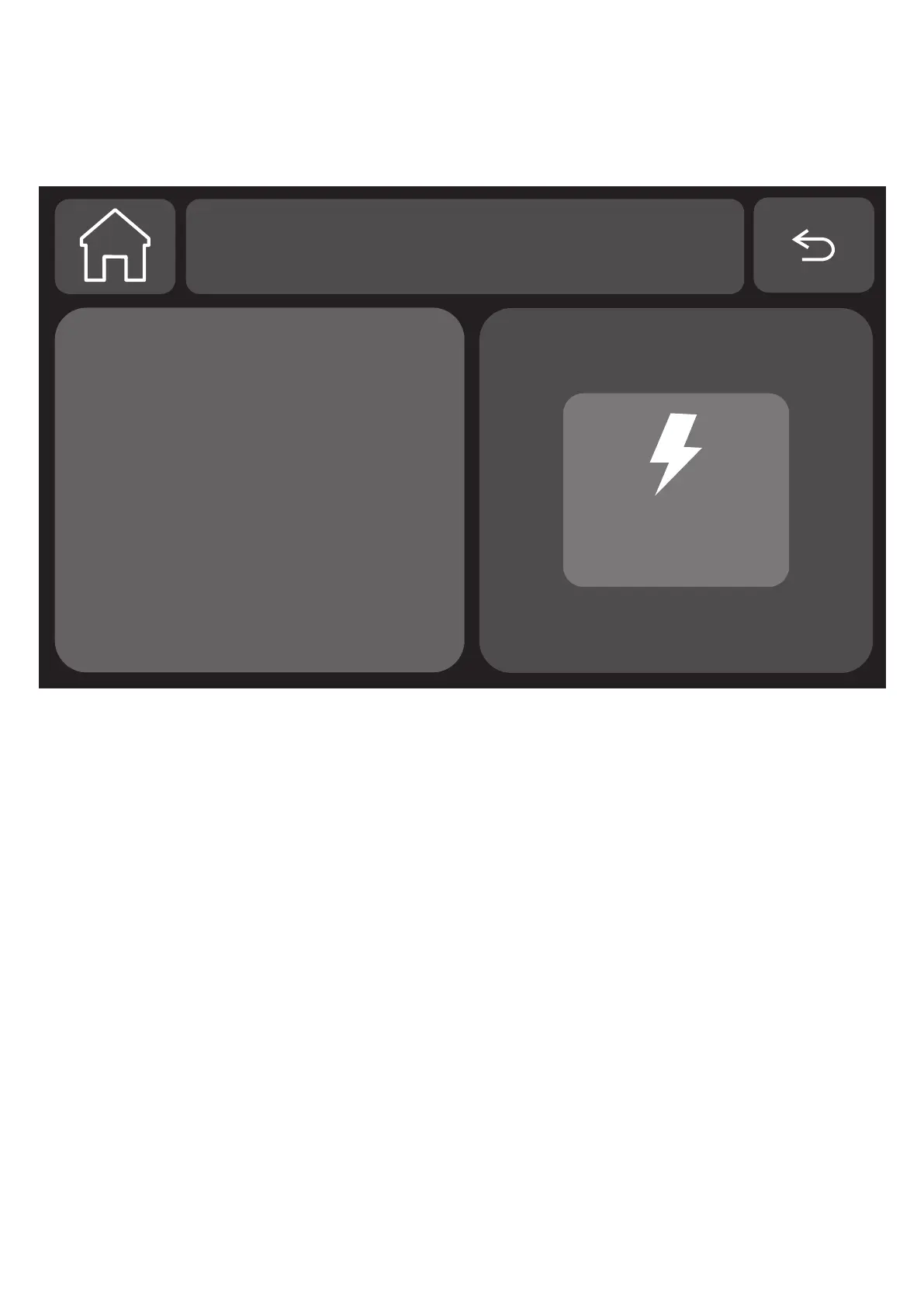
Press "Airlink" to enter WiFi pairing mode.
AIRLINK
AIRLINK
Click on the button
AIRLINK to enter
in WIFI configuration
mode
WIFI
• STEP 3 :
Open the "Daewoo home connect" APP and enter the
main interface.
1. Click the "+" in the upper right corner of the interface
and select "Add device".
2. Tap "Add device".
3. Your control unit is detected automatically by the
application, provided that the control unit is in pairing
mode. In this case, it will appear at the top of your
“Add device” page with an “add” button
Then add the device.


 To Next Page