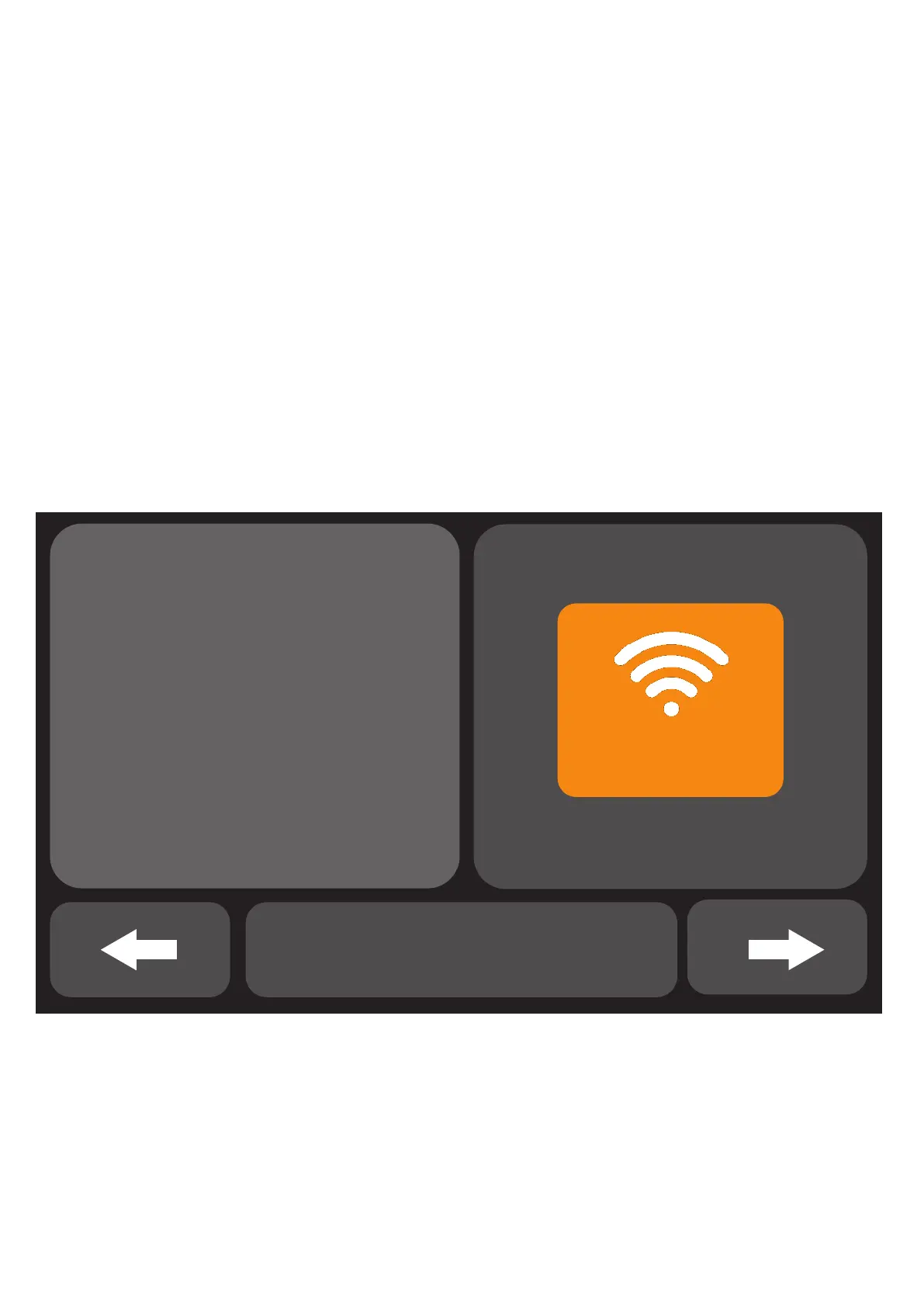
• STEP 1 :
For the first time use, please connect the security panel
to the power supply and turn the backup battery switch
on the back to "ON" position, then enter the user guide
interface.
If you have entered the main interface or want to reset
WiFi, please click "Menu"---"Settings"---"WiFi", and
enter the default user code: 1234.
WIFI
CONNECT APP
Please connect the
alarm panel to
the WIFI network
Skip Tutorials
User guide interface
Tap the WIFI icon


 To Next Page