LOG
• Alarm Log : View all alarm records including cause,
source and time.
• Log Enable : View all arming/disarming records,
including action, source device and time.
Supports up to 160 alarm records and 80 arming and
disarming records.
MENU PRESENTATION
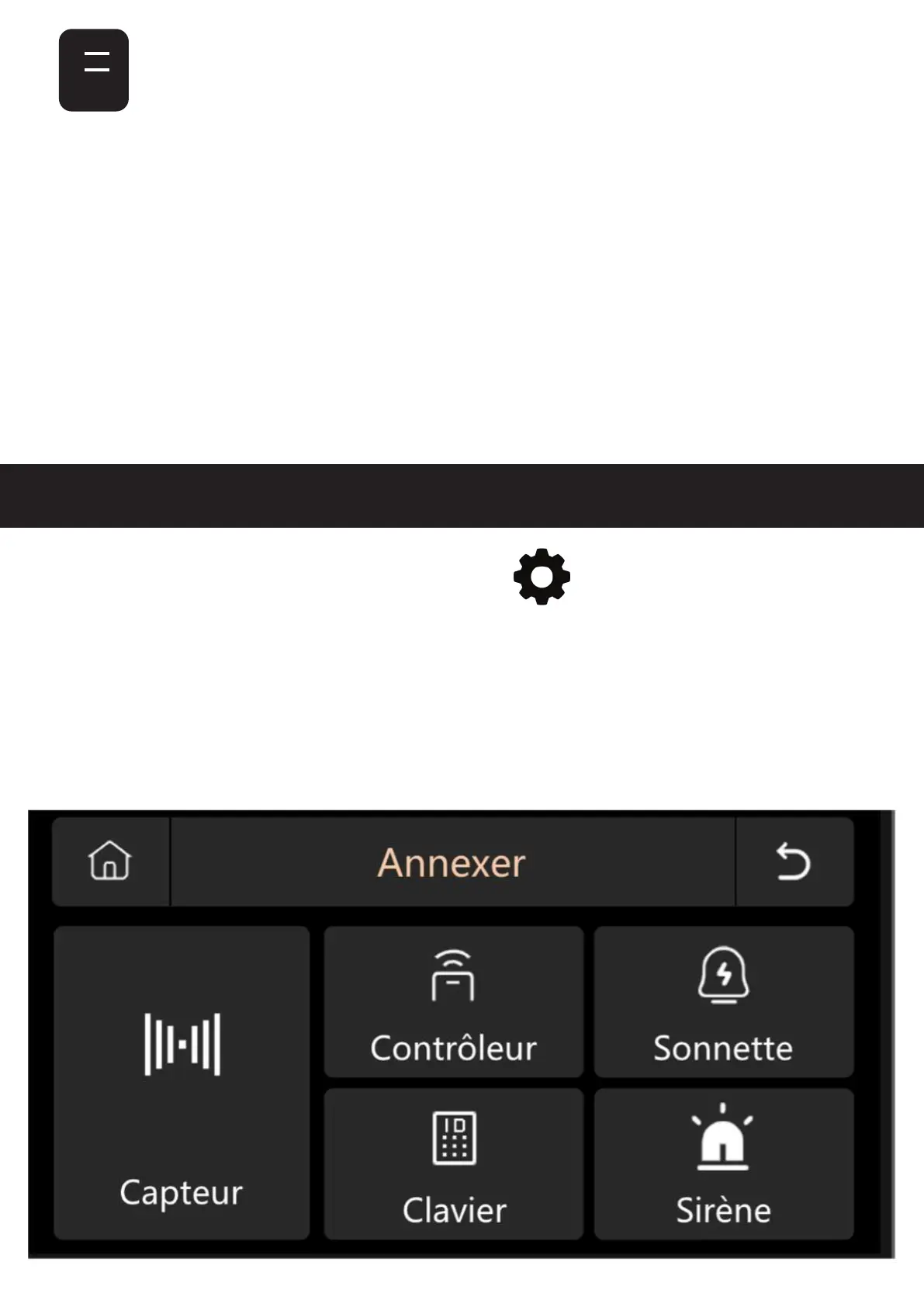
1. ATTACH - Accessories
.
.
To access the menu, click on at the bottom right
of the main interface of your control unit.
This menu is made up of 4 parts : Attach, Telephone,
Secure and Parameters.


 To Next Page