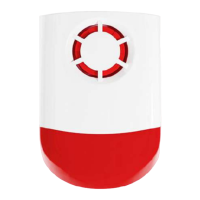
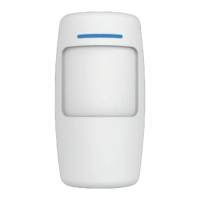
3. To allow your application to detect your accessory,
trigger it.
For example: The door contact WDS301
1. Remove the security tab (if present)
2. Detach and reattach consecutively the two
magnetic parts of the contactor.
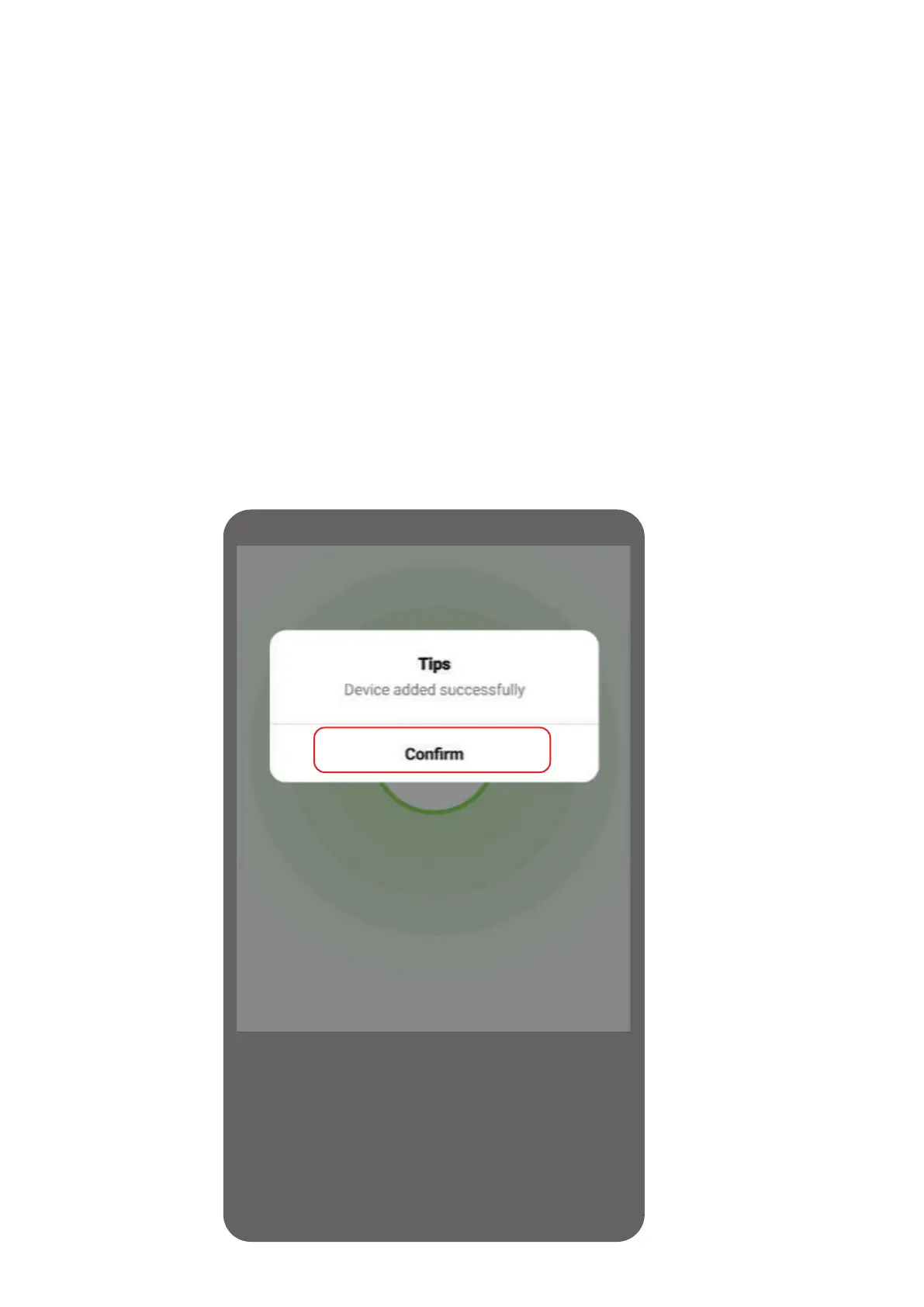
3. Wait for a response from the app
4. Confirm the addition
If you get no response from the app, re-trigger.
Application
Response


 To Next Page