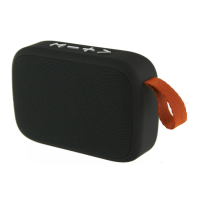
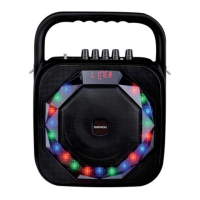
TWS Bluetooth Speakers
AVS1406, AVS1431 & AVS1432
User Manual
IMPORTANT – RETAIN THESE INSTRUCTIONS FOR FUTURE REFERENCE
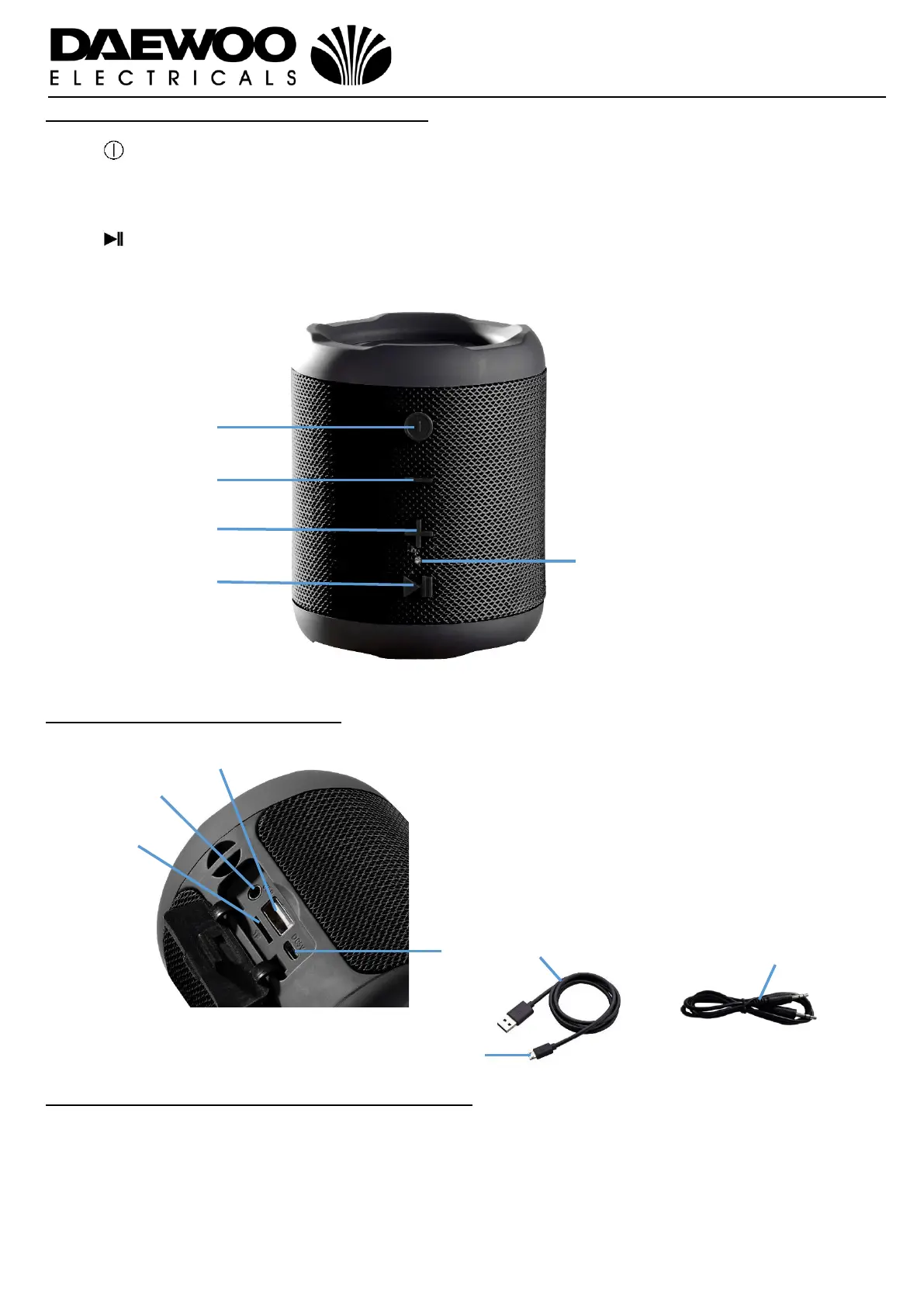
Description of Parts – Front Panel Controls
Description of Parts – Rear Panel
Before the first time you use your TWS Speaker
Please read these operating instructions thoroughly and keep them in a safe place for
future reference.
Remove all packing materials and discard responsibly.
1. – Press to power up, power off and Bluetooth pair the speakers.
2. ▬ – Press to skip to the previous next track or press and hold to decrease the volume.
3. + – Press to skip forwards to the next track or press and hold to increase the volume.
4. – Press to Play/Pause/Phone the track you are playing.
5. LED Indicator.
6. MICRO SD – Micro SD/TF Card
Player
7. AUX – External 3.5mm input.
8. USB – USB Memory Stick Port.
9. Micro USB DC Port
10.USB Charging Cable
11.Micro USB Plug.
12.3.5mm Jack to Jack Lead.


 To Next Page