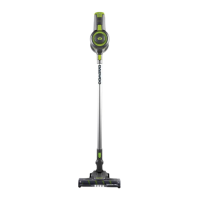
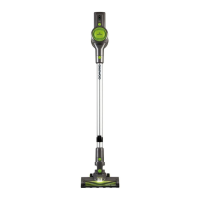
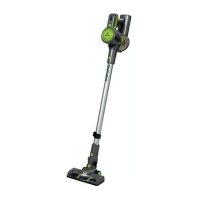
Cyclone Freedom Pro 22.2V Cordless Vacuum
FLR00040
User Manual
IMPORTANT – RETAIN THESE INSTRUCTIONS FOR FUTURE REFERENCE
Selecting the Correct Brush for the Motorised Floor Tool (12)
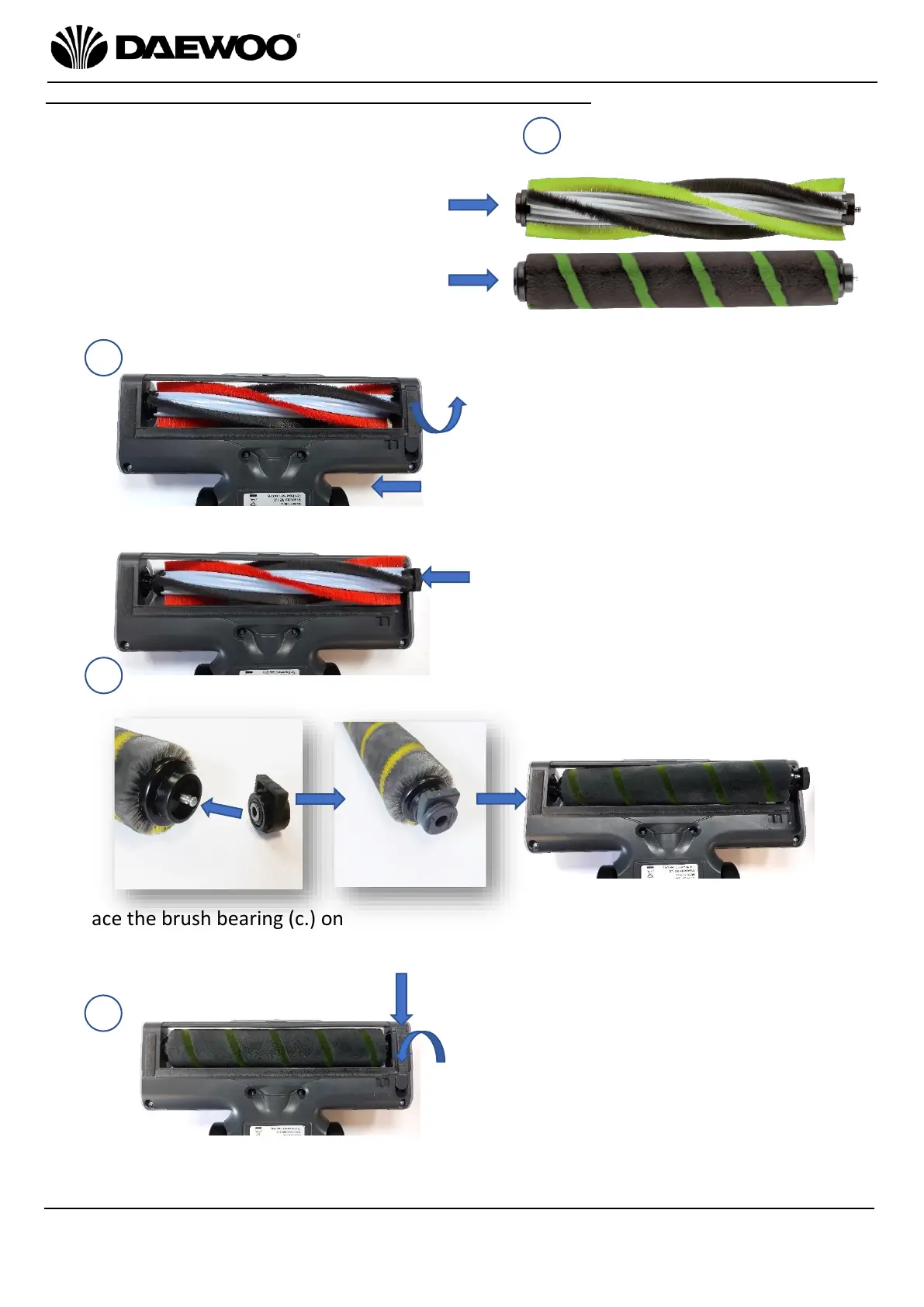
4. Finally, hook the brush bearing retaining
clip at the front edge (d) and push down
into until it clicks into place (e) as shown
left.
The vacuum is now ready to clean hard
floors.
1. Before using the Motorised Floor Tool (12)
the first choose the appropriate brush type
for the floor type being cleaned:
Select the Carpet Brush (19) for vacuum
cleaning carpets, rugs, etc.
Select the Hard Floor Brush (20) for
cleaning vinyl, laminate, tiled floors, etc.
3. Place the brush bearing (c.) onto the end of the Hard Floor Brush (20) as shown above
left. Once in place, insert the Hard Floor Brush (20) into the Motorised Floor Tool (12)
as shown above right.
2. To change the brush attachment, slide
the catch (a) to the left and lift up the
brush bearing retaining clip (b) on the
underside of the Motorised Floor Tool
(12) as shown left.
NB the Carpet Brush (19) is currently
fitted in this example.
Lift out the Carpet Brush (19) and the
brush bearing (c). Remove the brush
bearing from the Carpet Brush (19).



 To Next Page