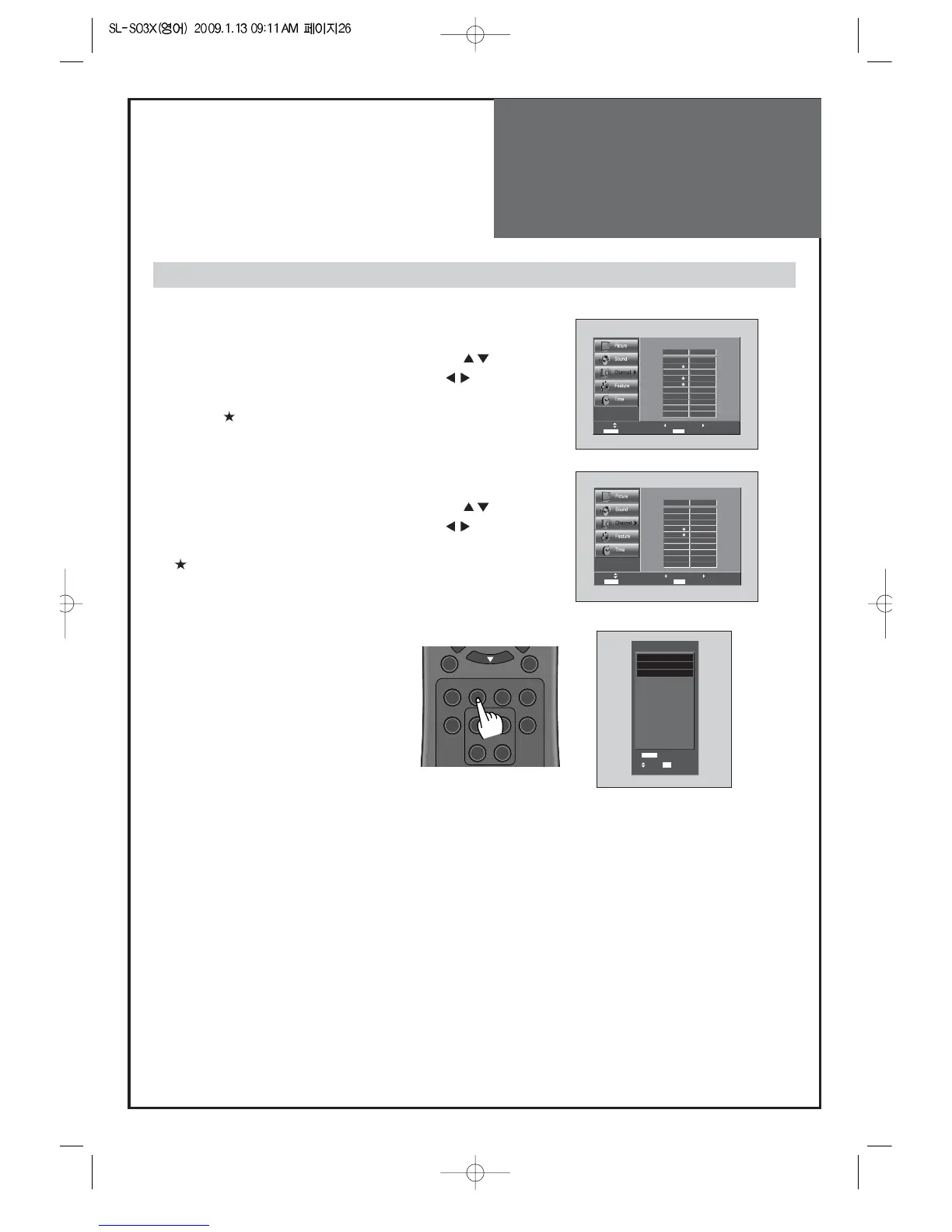
1. Programing Favorite Channel.
• Press MENU button. Select Channel by pressing "
" button.
• Select Edit Channel selection bar by pressing "
" button.
• Press "FAV CH" button, on the Edit Channel mode. then you
can see "
".
2. Deleting Favorite Channel.
• Press MENU button. Select Channel by pressing "
" button.
• Select Edit Channel selection bar by pressing "
" button.
• Press "FAV CH" button again, on the Edit Channel mode. then
"
" disappeared.
3. Viewing the Favorite CH
• Whenever pressing "FAV CH" button,
the Channel changes as the selected
Channel order.
FAV CH
- You can set channel you watch frequently as favorites.



 To Next Page