34
Sound Adjustment
When adjusting sound to taste
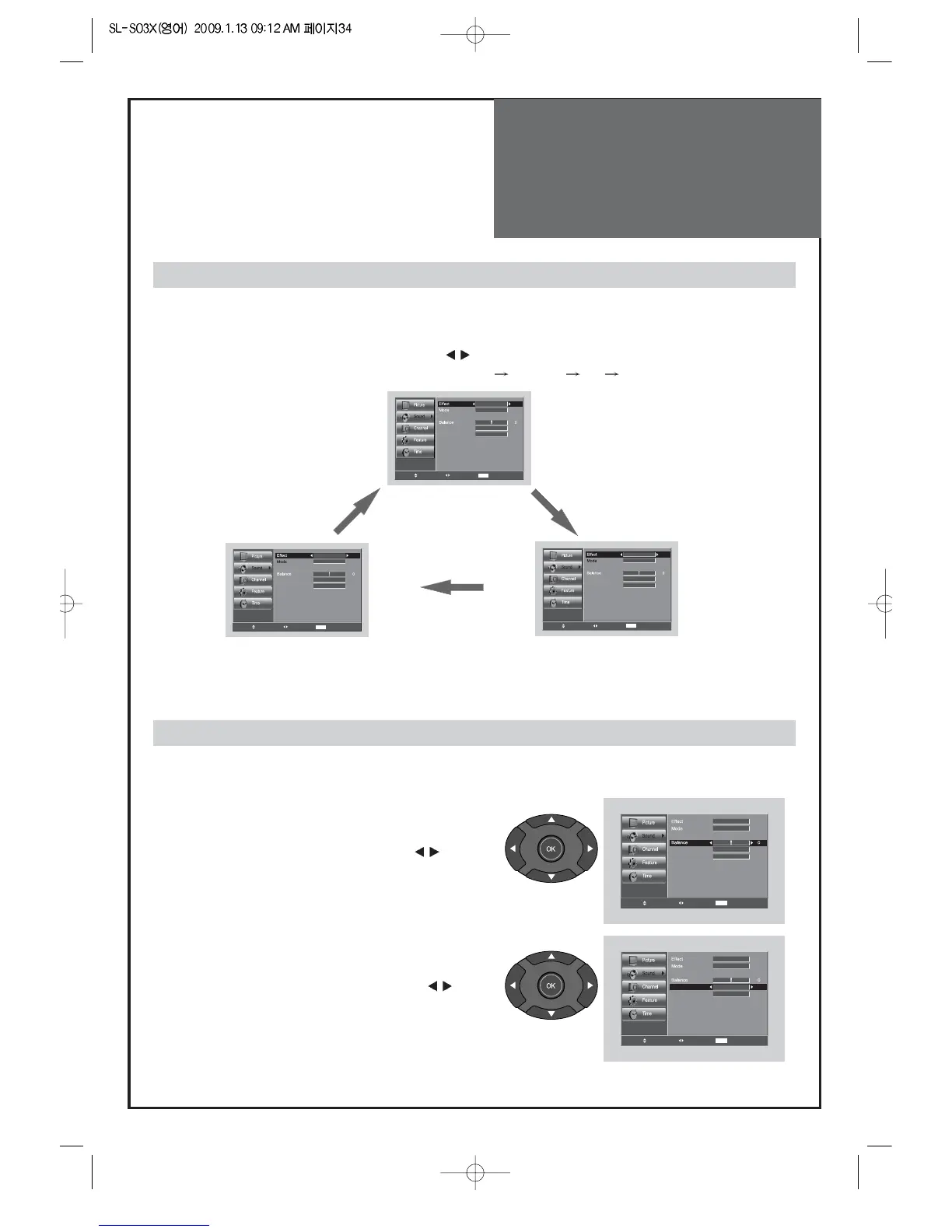
1. Adjust the Balance
• Move to Balance in the Sound menu.
• Adjust the balance level by pressing the ”
”
buttons.
When selecting various sound Effects
1. Sound mode selects what you want.
• Move to Effect in the Sound menu.
• Select desirable Sound mode by pressing the ”
” buttons.
• The Screen status changes as followed : Dynamic Bass
ST Voice off Dynamic Bass
Note.
• ST Voice : Allows human voice to be heard more clearly.
• Dynamic Bass : Suitable for the bass effect.
2. Select AVC (Auto Volume Control)
• Move to AVC in the Sound menu.
• Select either AVC On/Off by pressing the ”
”
buttons.
- The user can enjoy various sounds by adjusting Effect, Mode, Equalizer, Balance, Auto Volume Control
and Speaker.



 To Next Page