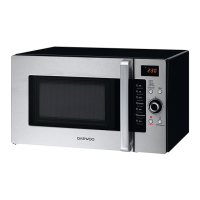
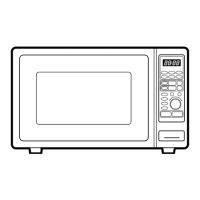
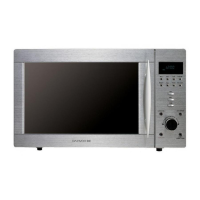
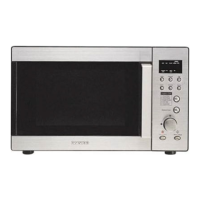
The controls
Using the
OVEN
4
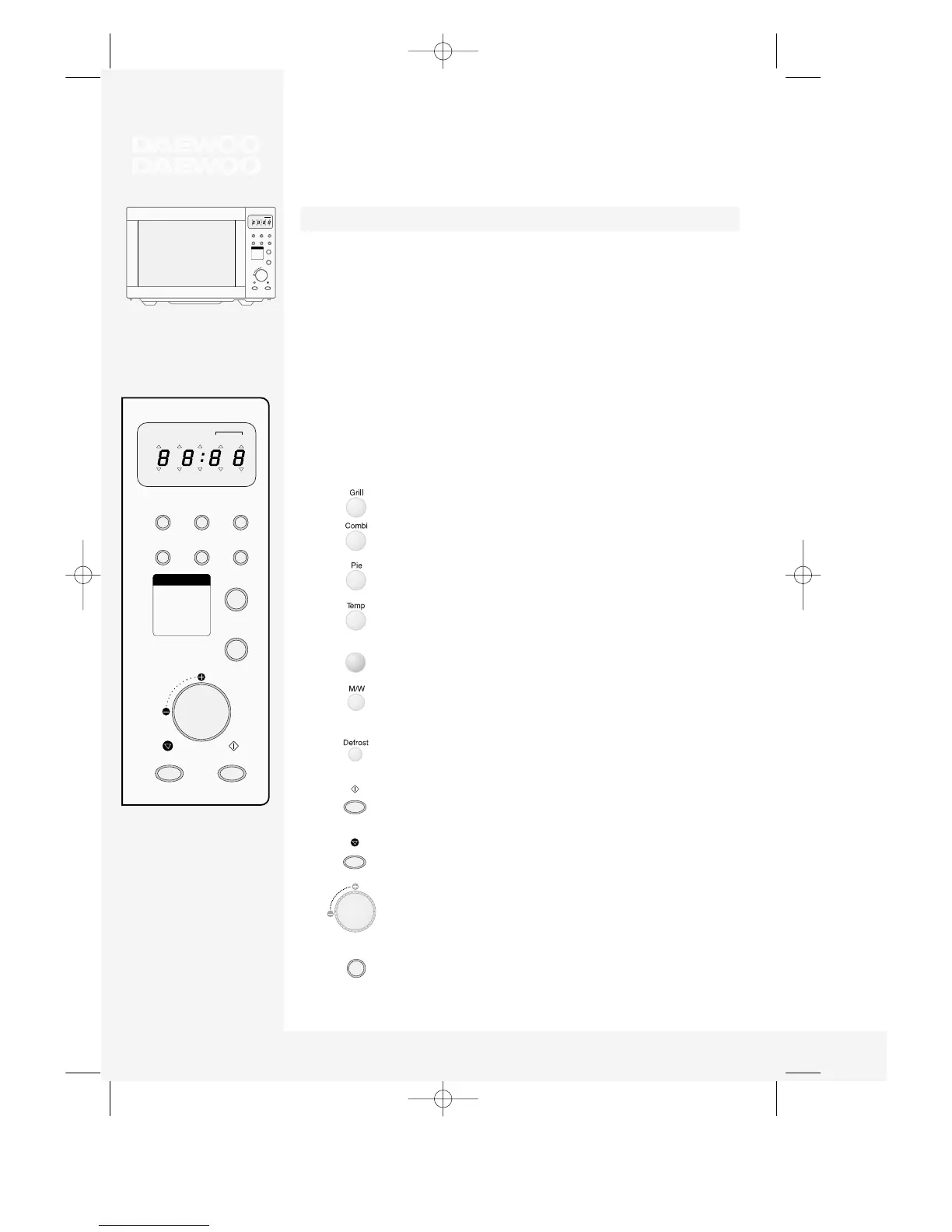
Your DAEWOO microwave oven always keeps you well informed: the display tells you
which buttons can be pressed next or which settings are required (user guide).
Display (flashes to tell you what the oven is doing):
Buttons:
M/W Cooking with microwaves
GRILL Grilling
COMBI Combination microwave and convection
DEFROST - WEIGHT Defrosting food by weight
DEFROST - TIME Defrosting food by time
PROGRAM COOK Cooking using a program
PIE Program for pastries and pies
TEMP COOK Preheating + baking
kg Weight information
Selects grill.
Selects combined microwaves and convection.
Press to bake pastiers and pies.
Select the baking temperature (hold down for fast
selection).
Press to cook using a program.
Selects microwaves. Press to select the power (hold down
for fast selection).
Defrosting, press to select time or weight.
Press to start operation and for clock setting.
Stops the operation, also erases all entries.
Dial for setting time, temperature and weight.
Press for Speedy cook (each press adds 30 seconds
microwave cooking time).


 To Next Page