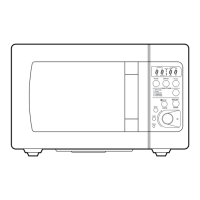
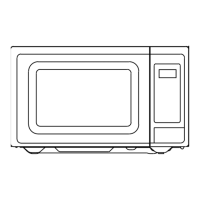
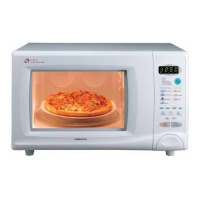
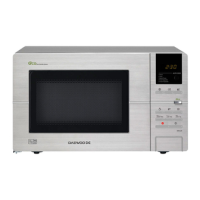
FEATURES DIAGRAM (continued)
7
11
10
13
18
20
12
14
15
16
17
19
STAGE DEFROST AUTO
START
12
WEIGHT TIME
LOCK NO CUPS oz lbs
Popcorn
Muffin
Baked
Potato
Dinner
Plate
Power
Clock/
A.Start
Soup
Beverage
Frozen
Pizza
Fresh
Vegetable
SPEEDY
COOK
More
Less
AUTO
DEF.
STOP/
CLEAR
START
1 2 3
4 5 6
7 8 9
0
ONE TOUCH COOKING
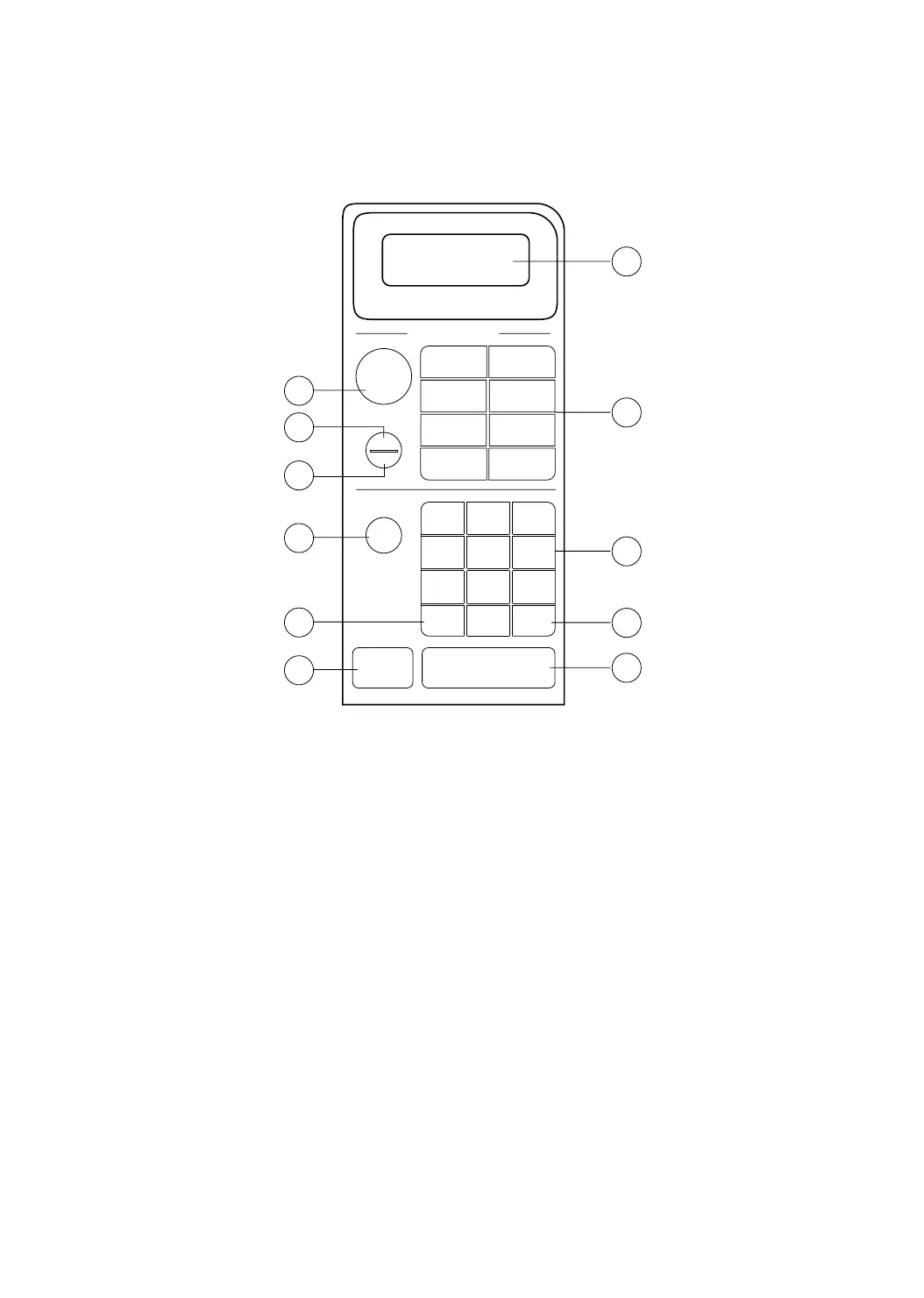
10.Time set pad - Used to set the cooking
time and the present time.
11. Display - Cooking time, power level,
indicators and present time are displayed.
12.Speedy cook - Touch to set the desired
reheat time.
13.One touch - used to cook or reheat
specific quantities of food. See pages 13-
15.
14.More - Used to add time to one touch
cooking.
15.Less - Used to remove time from one
touch cooking.
16.Auto defrost - Used to defrost foods.
17.Power - Used to set power level.
18.Clock/A.start (Auto Start) - Used to set
clock and also used to set a delayed auto
start.
19.Stop/Clear - Used to stop the oven
operation or to delete the cooking data.
20.Start - Used to start the oven.
KOR-611Q0A(¿ ) 02.2.19 12:30 PM ˘`7



 To Next Page