User’s Manual
242
Plug the USB storage device (with face pictures) to the Device, and then click Local
Upload. Then select the picture from the USB storage device, and then click OK. The
selected face pictures are uploaded.
After the face pictures are uploaded, continue to configure other parameters (channel, start
time, end time, and similarity).
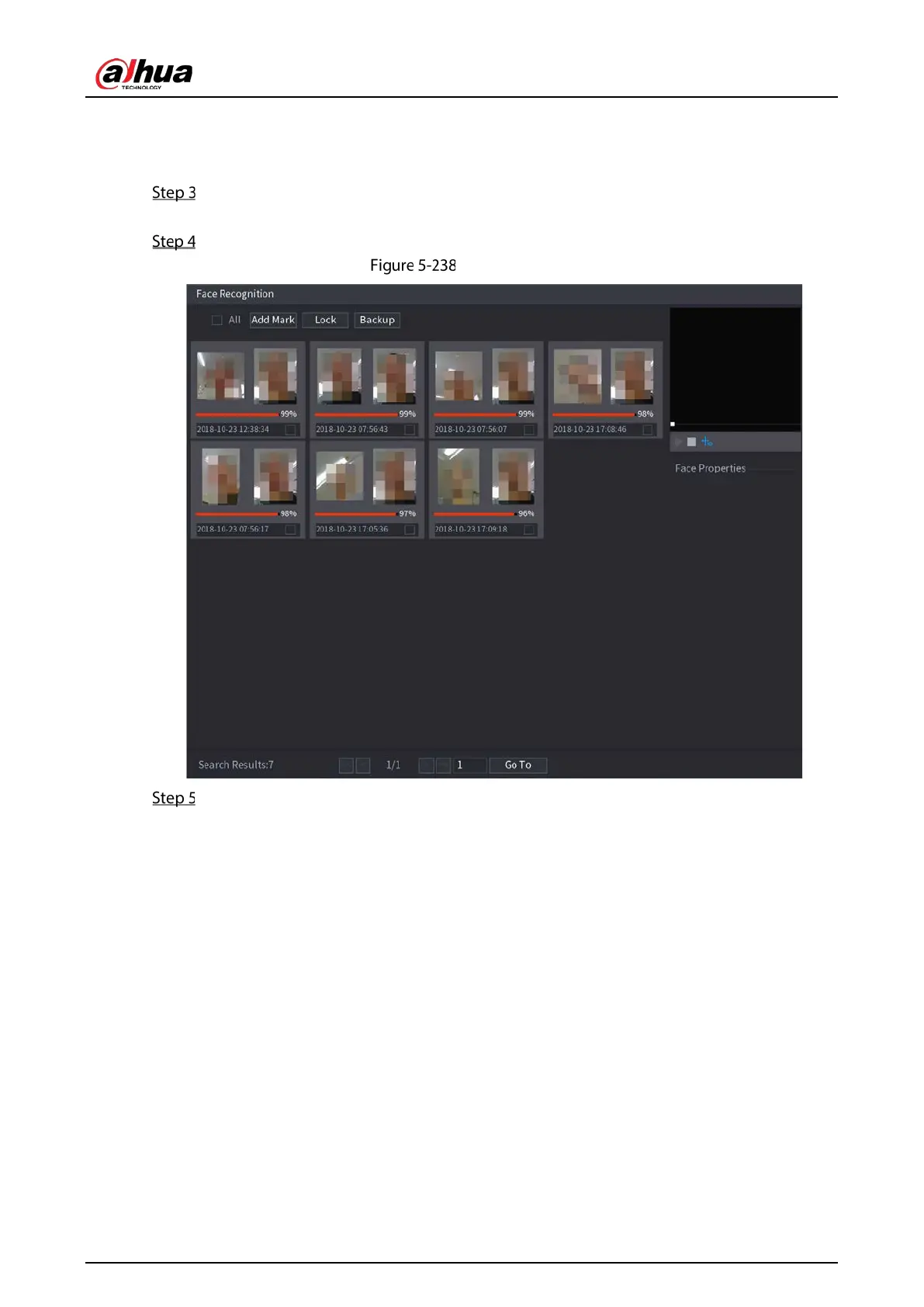
Click Smart Search.
Search results
Select the face picture that you want to play back.


 To Next Page
 Loading...

