User’s Manual
249
Wireless detector
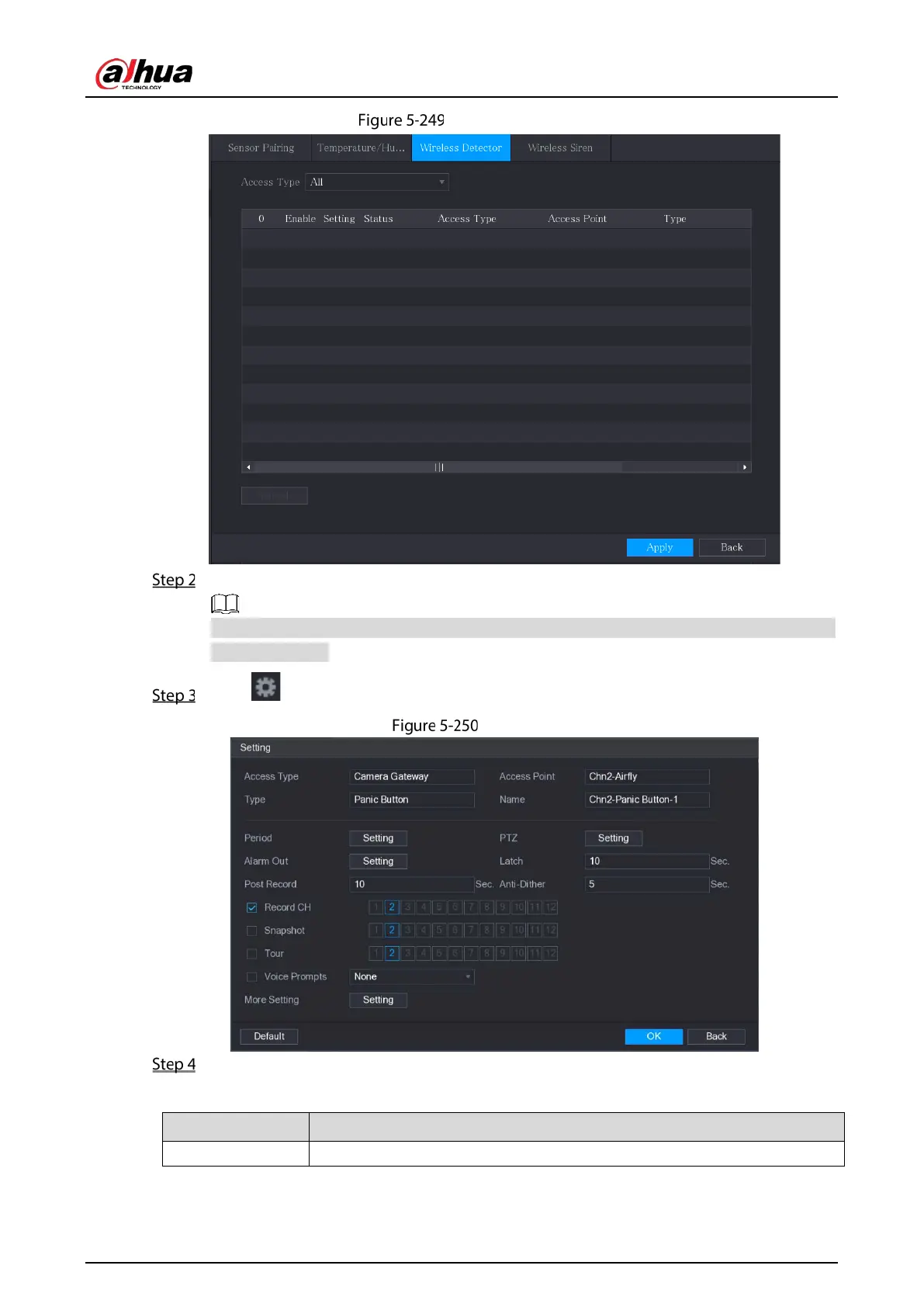
In the Access Type list, select USB Gateway, Camera Gateway, or All.
When Access Type is Camera Gateway, you can select Channel to filter the status of present
wireless detector.
Click .
Setting
Configure the settings for alarm linkage.
Table 5-41 Alarm linkage settings
Name Enter the customized alarm name.


 To Next Page
 Loading...

