User’s Manual
125
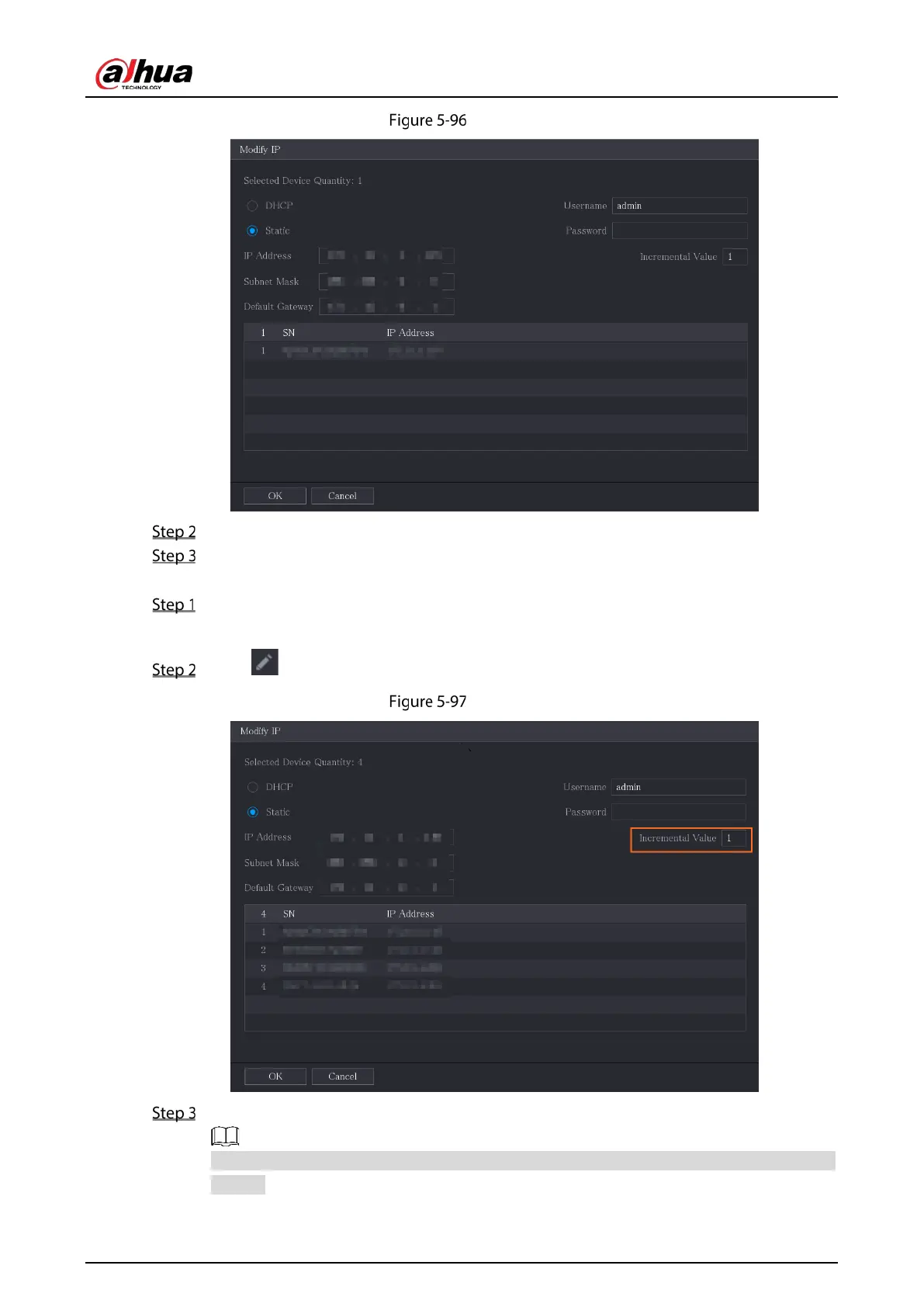
Modify IP
Configure the settings for IP address, subnet mask, default gateway, user name, and password.
Click OK to save the settings.
To modify IP address in batches, do the following:
In the Searched Device list area, select the devices that you want to modify IP address in
batches.
Click .
Modify IP
Set incremental value.
The system will add the incremental value to the fourth segment of IP addresses of selected
devices.


 To Next Page
 Loading...

