User’s Manual
325
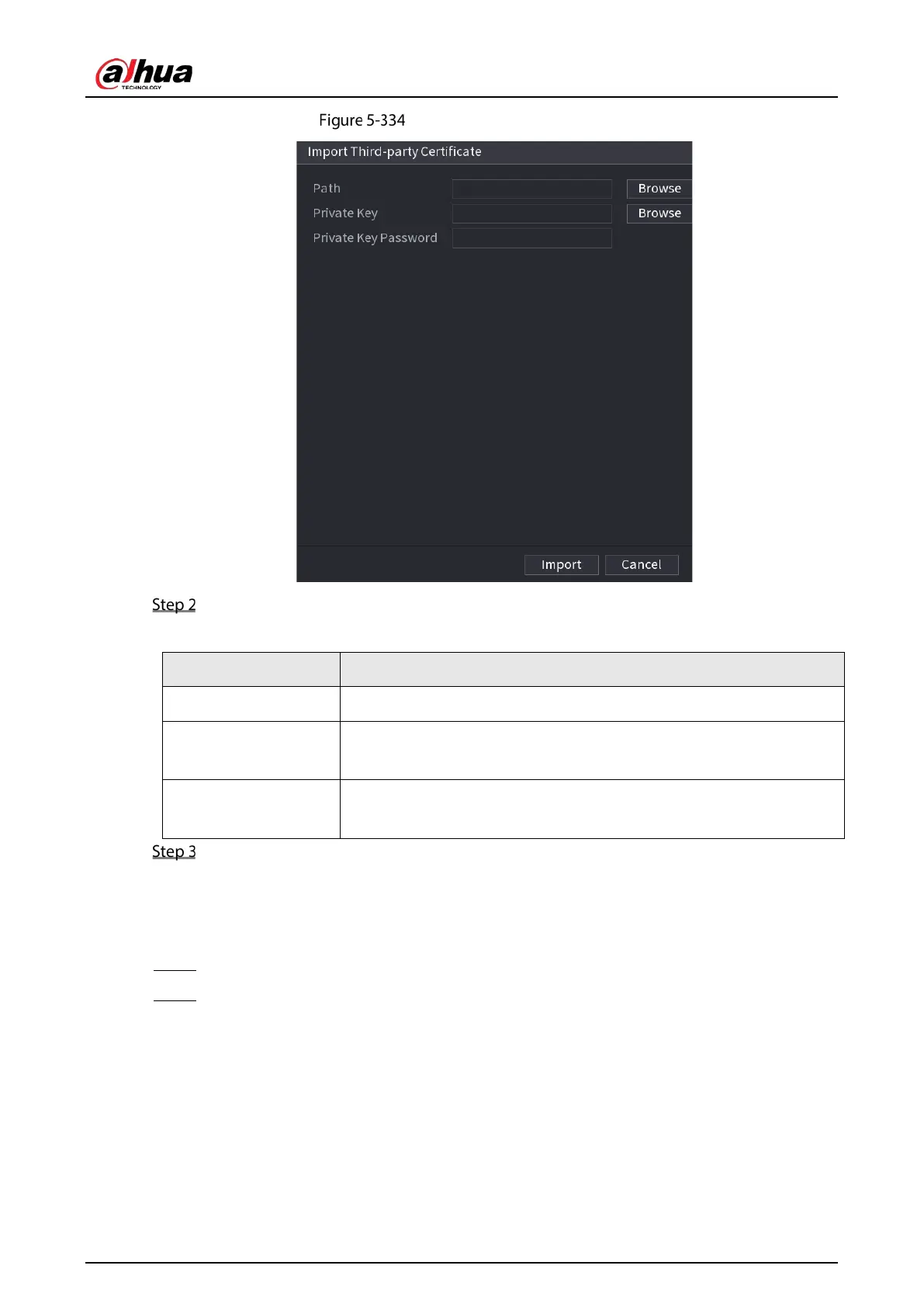
Import third-party certificate
Configure Parameters.
Table 5-68 Import third-party certificate
Path Click
to find the third-party certificate path on the USB drive.
Private Key
Click
to find the third-party certificate private key on the USB
drive.
Private Key Password
Input the password of encrypted private key. When the private key is not
encrypted, you don’t need to this parameter.
Click Create.
5.19.4.2 Trusted CA Certificate
Step 1 Select Main Menu > SECURITY > CA Certificate > Trusted CA Certificate.
Step 2 Click Install Trusted Certificate.


 To Next Page
 Loading...